V0505, 2.12
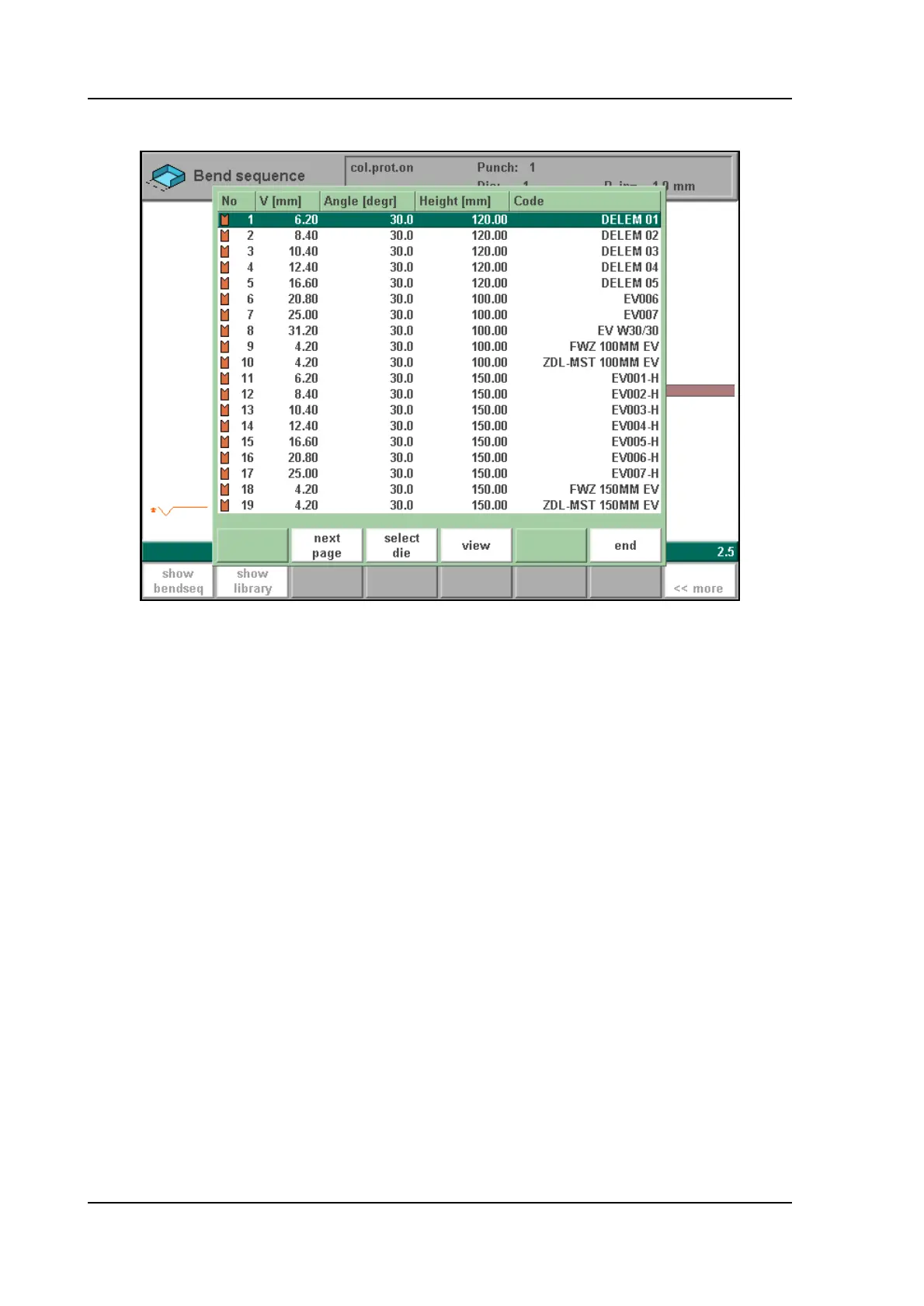
This selection will give an overview of the tools including the main properties of each tool.
2.m
In your machine and tool library you can program 1 machine uppersides, 1 machine undersides
(tables), 30 different dies and 30 different punches. One of each must be selected, and can also
be changed during the bending sequence determination. These selections are prompted in the
lower left corner of the screen. Within the bend sequence screen, the softkey ‘show library’
will remain available to get a graphical overview of the tool library as shown above.
After specifying machine part and tools the product and machine will be drawn on the screen.



 To Next Page