Technical overview
NOTE: Before working inside your computer, read the safety information that shipped with your computer and follow the steps
in Before working inside your computer. After working inside your computer, follow the instructions in After working inside your
computer. For more safety best practices, see the Regulatory Compliance home page at www.dell.com/regulatory_compliance.
Topics:
• Inside view of your computer
• System-board components
• I/O-board components
Inside view of your computer
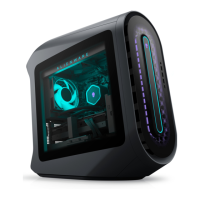
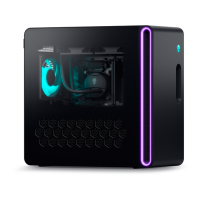
To view the different components installed in your computer. See “Left view” and “Right view”.
Left view
1.
processor liquid-cooling assembly-fan 2. graphics card
3. system board 4. power-supply unit
5. AlienFX side-panel connector 6. PCI fan
7. processor liquid-cooling assembly pump 8. memory modules
9. top fan
15




 To Next Page
