Removing and installing side cover
Removing the side cover
Prerequisites
1. Follow the procedure in Before working inside your computer.
NOTE: Ensure that you remove the security cable from the security-cable slot, if applicable.
About this task
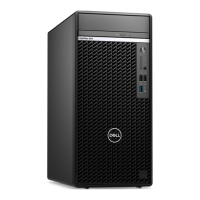
The following images indicate the location of the side cover and provide a visual representation of the removal procedure.
Figure 9. Removing the side cover
5
Removing and installing side cover 37









 To Next Page