24
Preparing the Material
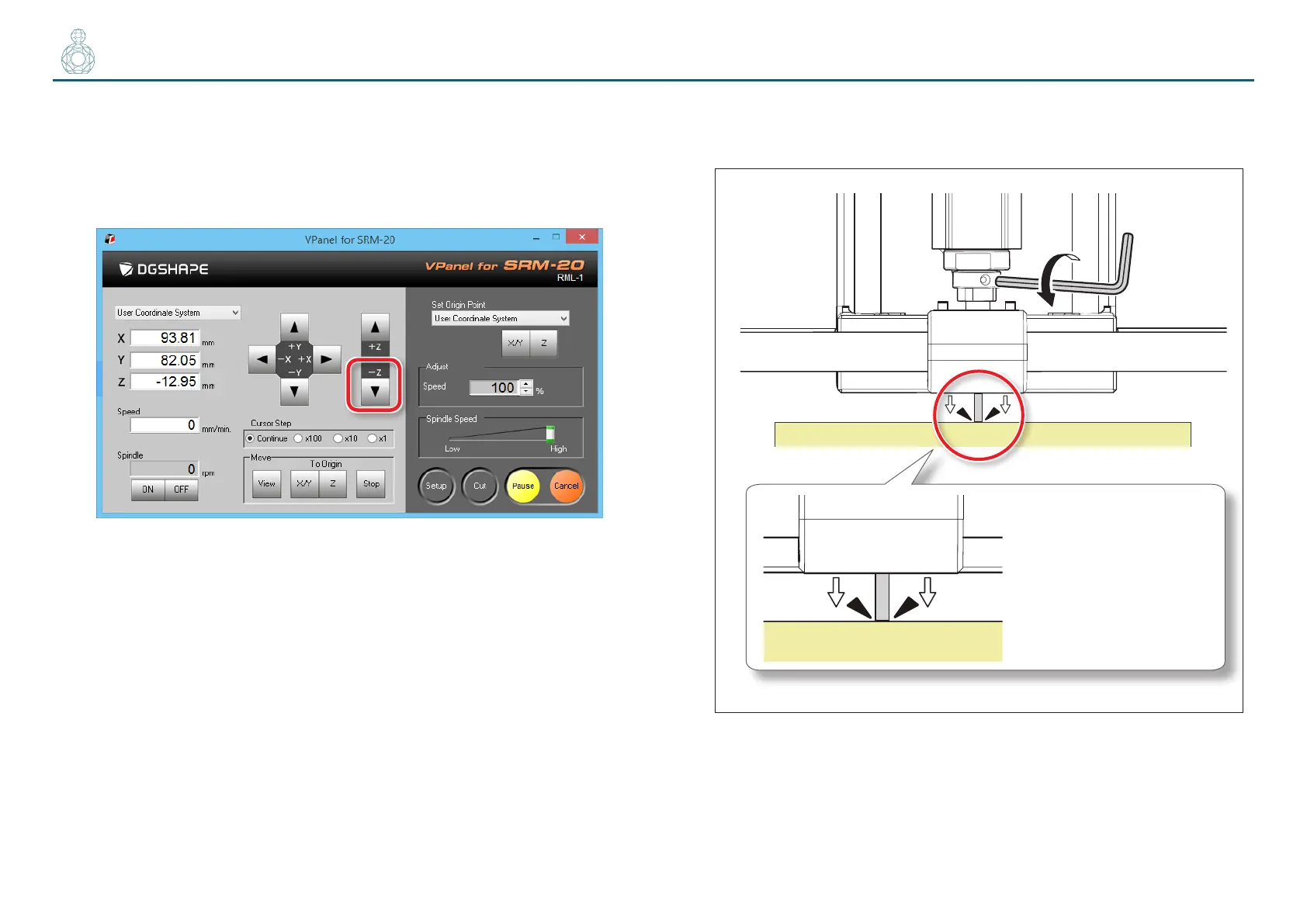
2. Click the [- Z] feed button, to approximate the tip of the cutting
tool to the surface of the material as much as possible.
For loosening the set screw with the next procedure, move to the position
that can see the hole of the set screw (to loosen the set screw with the
hexagonal wrench).
3. Loosen the set screw, and then adjust the cutting tool so that its tip
contacts the surface of the material.
Bring into contact
with the cutting
material



 To Next Page