Cutting (Double Sided)
48
Procedure
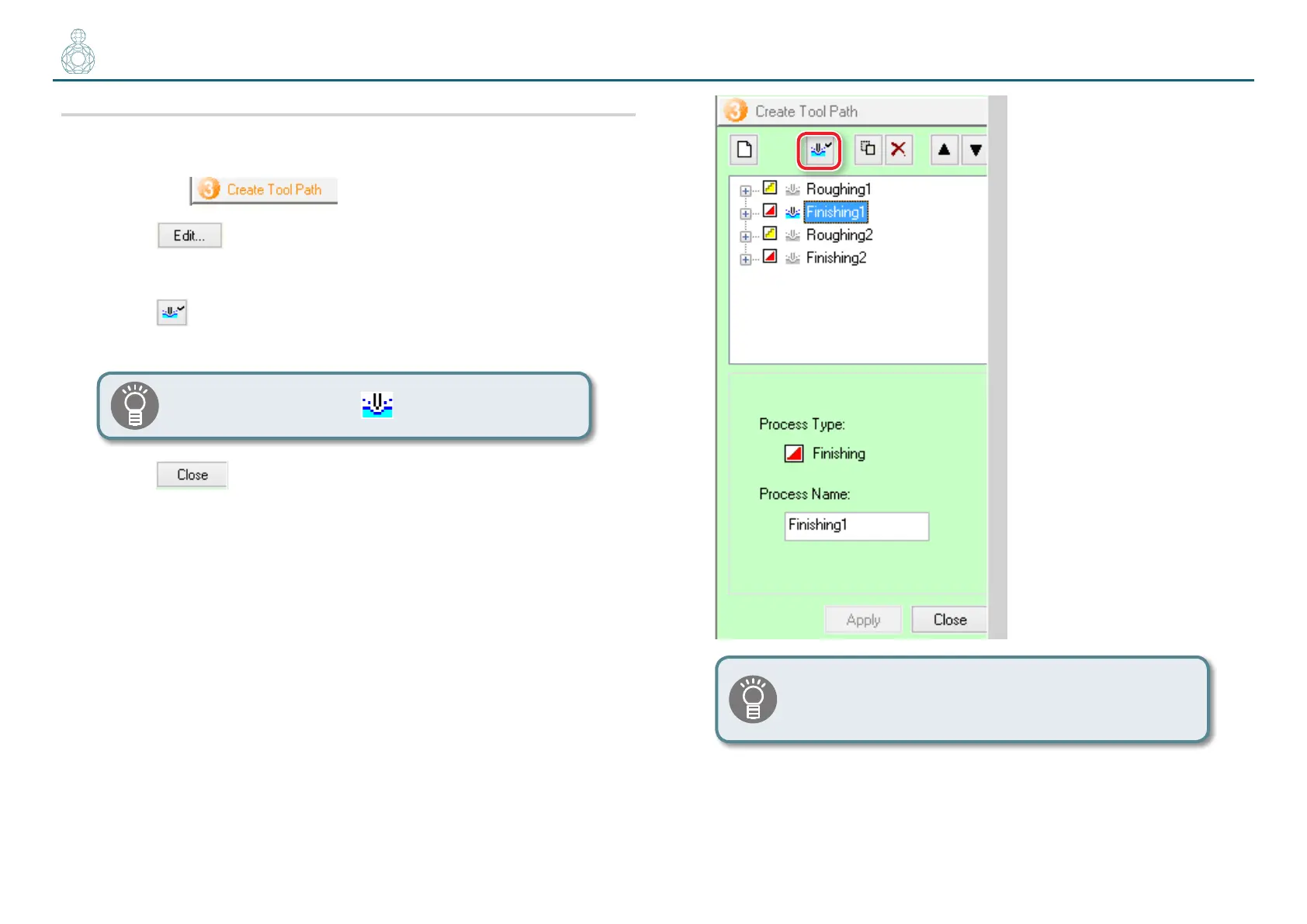
1. Enable the [Finishing 1] process only on the SRP Player.
1-1.
Open the pallet.
1-2.
Click .
1-3.
Click the process you do not need.
1-4.
Click [Enable/Disable Cutting].
1-5.
Repeat steps 1-3 and 1-4 to disable all the unnecessary processes.
Only the colored processes will be output.
1-6.
Click .
If there is no need to switch the cutting tool, it is possible
to elect processes [Rounding 1] to [Finishing 2] and
perform them all in a single operation.



 To Next Page