Cutting (Double Sided)
49
2. Open the pallet.
3. Click .
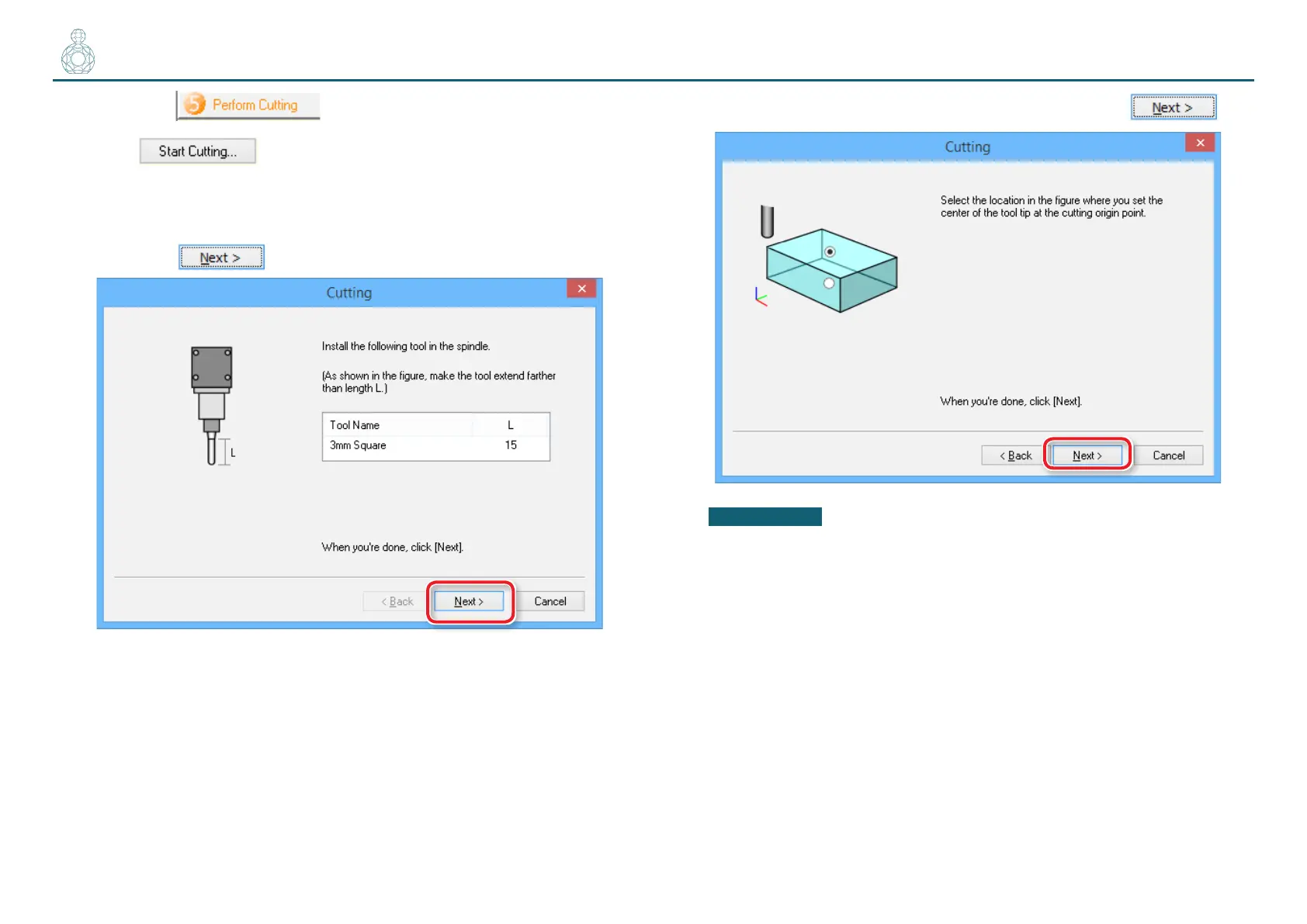
4. Check if the cutting tool is installed as shown in the dialog and
then click .
5. Select the top surface of the material and then click .
IMPORTANT
The nishing process requires you to use exactly the same origin point
as you congured before the roughing process. Otherwise, you cannot
perform cutting as you expect.



 To Next Page