Cutting (Double Sided)
53
Procedure
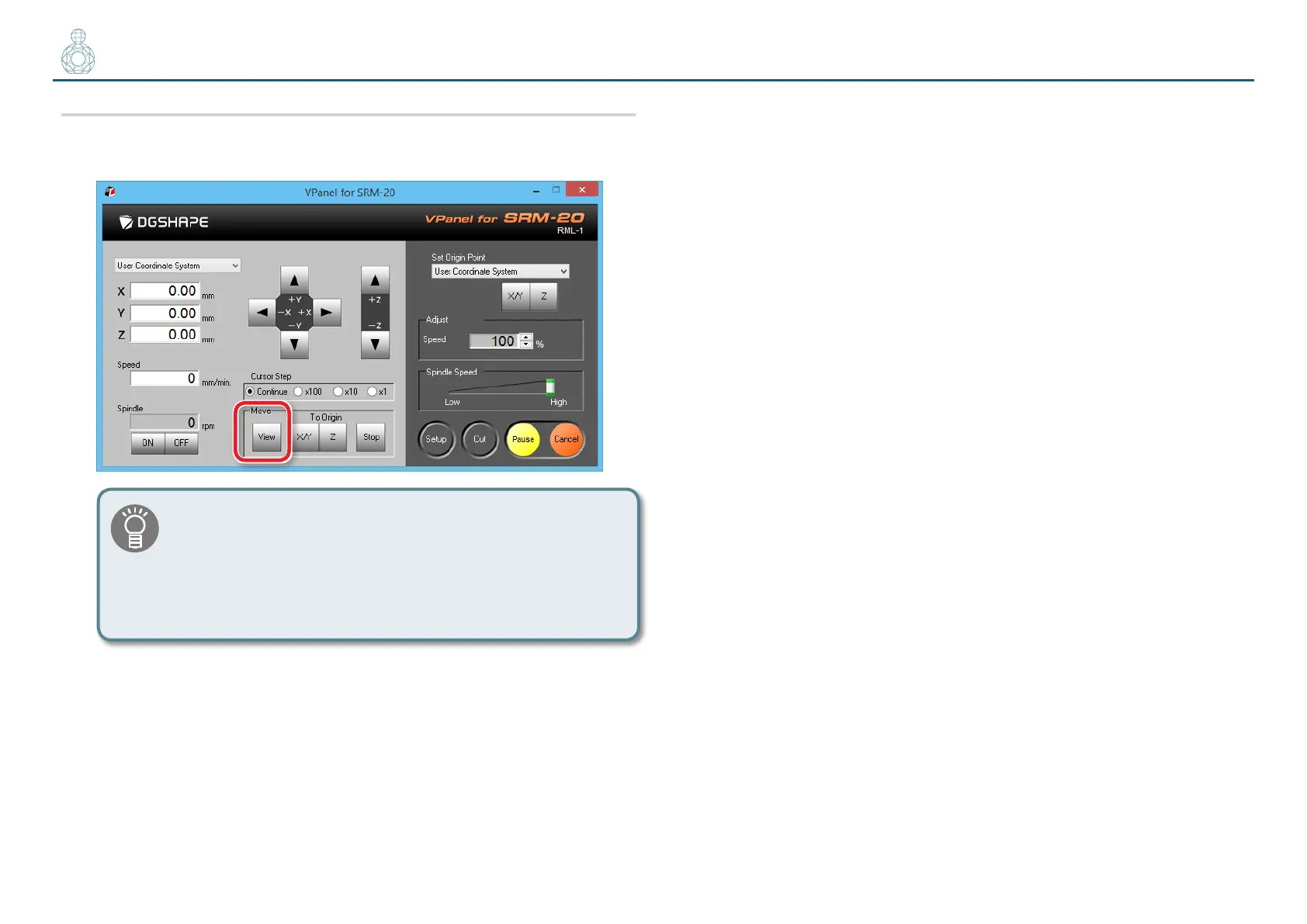
1. Click the [View] button on the VPanel.
You may not be able to produce the desired product if the
movement worsens during the process because of built up
cutting waste. Keep an eye on how much cutting waste builds
up and, if deemed necessary, remove the cutting waste that
has built up around the X- and Z-axes. Also remove the cutting
waste that has collected in the dust tray.
2. Change the cutting tool to [2 mm Square].
Before you can use a particular cutting tool, you need to register it.
"“STEP 4 : Register the Cutting Tool You Want to Use (when you are
using SRP Player)” (p. 10)
" “When changing to a cutting tool with the same shank diameter” (p. 13)
3. Adjust the Z origin so that it ts the material while leaving the
other origins intact.
3-1.
Click the [-Z] feed button on VPanel to bring the tip of the cutting tool as
close to the top surface of the material as possible.
3-2.
Loosen the set screw of the machine and bring the tip of the cutting tool
into contact with the top surface of the cutting material.
3-3.
Using the set screw, fasten the cutting tool again.
3-4.
Click [Z] of set origin point on the VPanel.
Set the Z origin alone, referring to steps 2 to 5 in “STEP 3 : Set the Origin
Point” (p. 22)
* Failure to do so could cause the material to collide with the cutting tool,
possibly leading to the breakage of the cutting tool or the inability to drill
a hole with the intended depth.



 To Next Page