Creating a MODELA Player 4 File
96
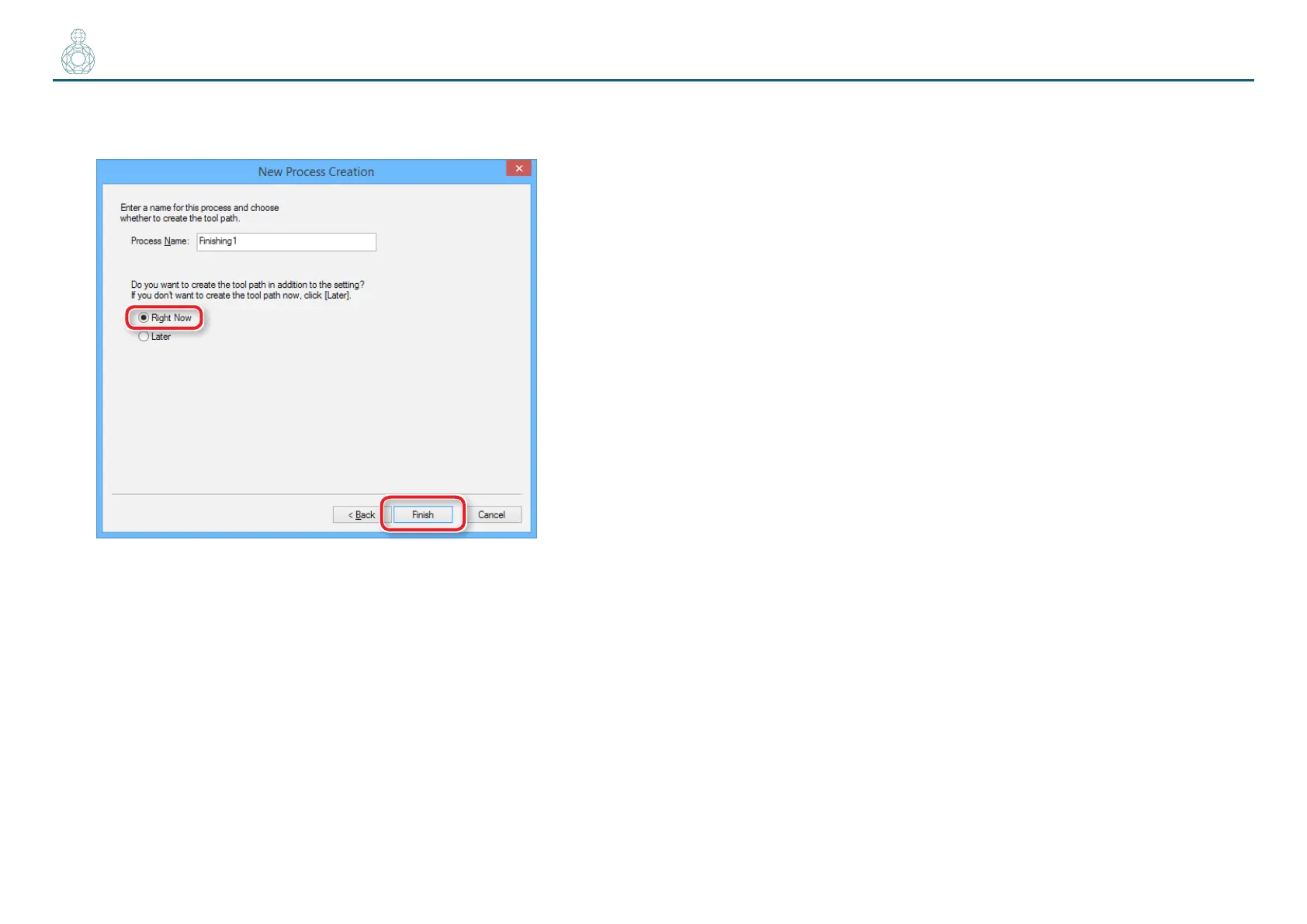
8. Enter a name for this process and create the tool path.
“Perfume.stl”: [Right Now] [Finish]
The tool path is created. And the process which is created is displayed.
9. Check the cutting preview by Virtual MODELA.
"“STEP 8 : Conrm the Cutting Preview” (p. 81)



 To Next Page