DI-5000_DP-5000_DPS-5000 Service Manual Edition 2
54
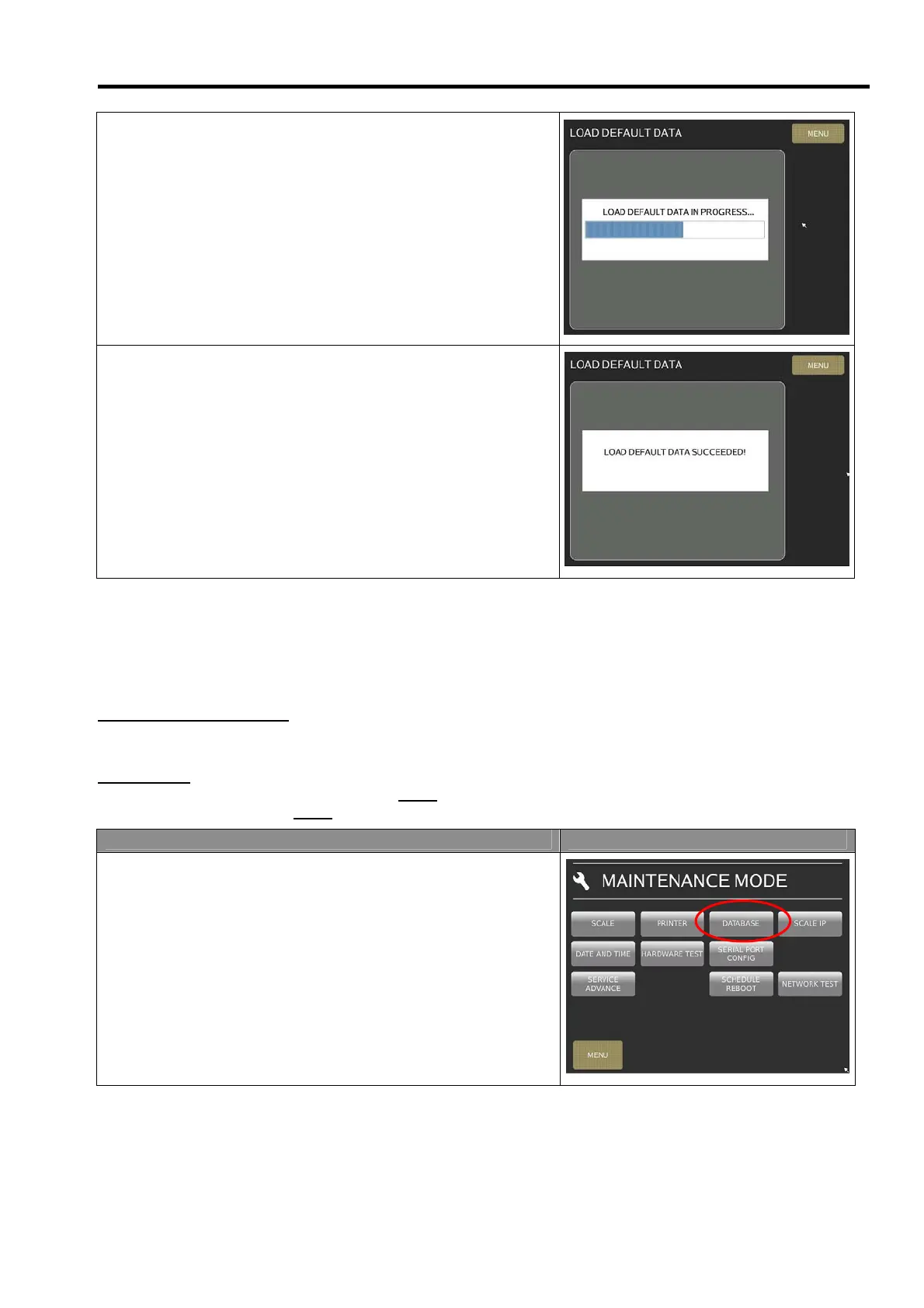
4) Waiting for default data loading in machine.
5) Loading default data successfully.
7.2.5 Database Migration
This function only can do in between same PC Scale version in front of the 1
st
and 2
nd
number is same.
For Example:
If the file from machine PC Scale version is 10.15
.17-1, then when migration data for source/other machine the
PC Scale version should be 10.15
.XX-X
Procedure Picture
1) In Registration mode, select [MENU] [MAINTENANCE]
[MAINTENANCE] [DATABASE] to go to DATABASE
mode.



 To Next Page