DI-5000_DP-5000_DPS-5000 Service Manual Edition 2
81
8.2 PC Scale Application
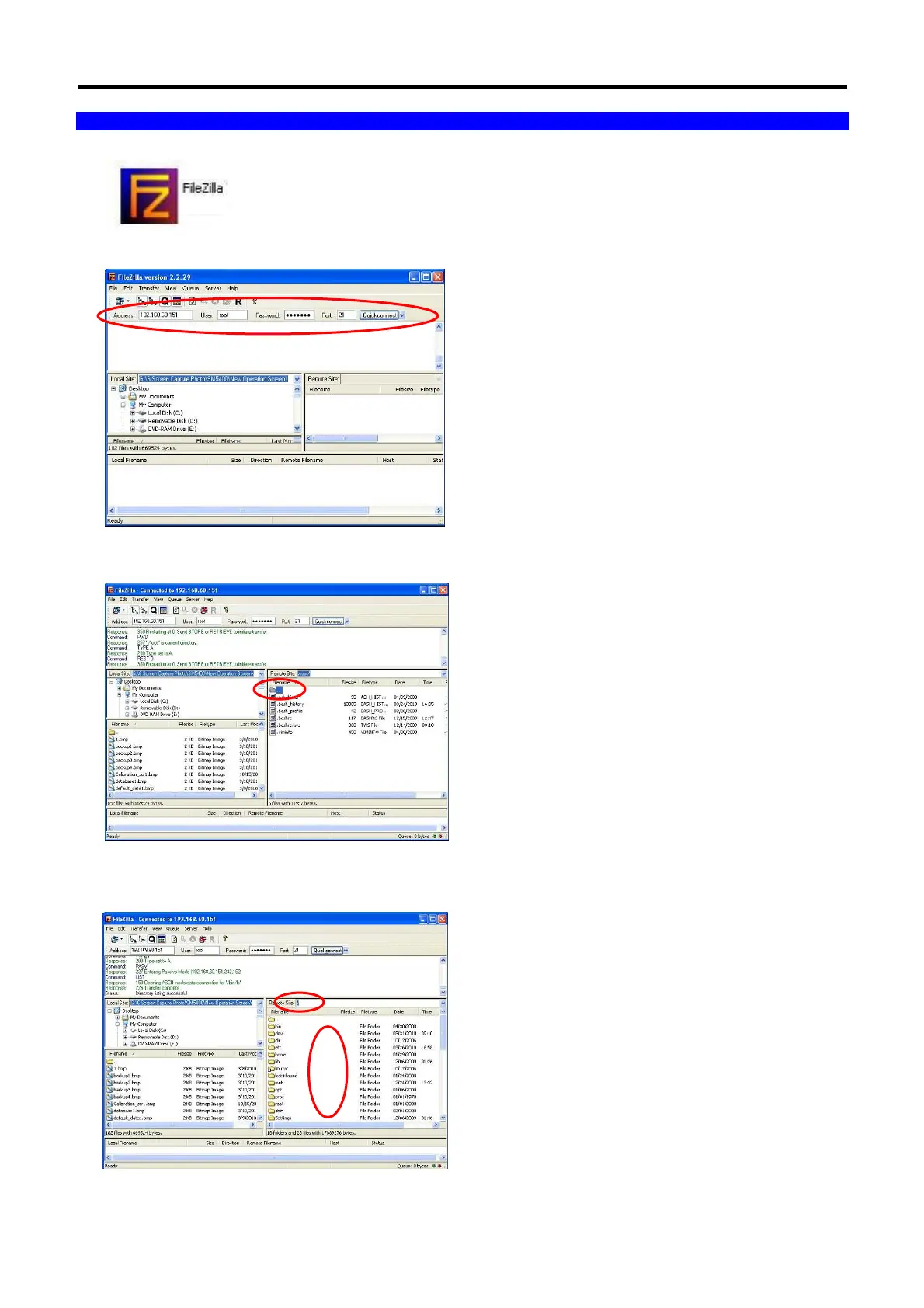
1. At PC Windows, open the FTP client program. (E.g. FileZilla Client)
2. Enter the scale IP Address; User and Password, then click the [Quickconnect] button.
3. Double click the [ .. ] symbol to go to upper level.
4. Copy and paste the upgrading firmware under the [ / ] directory. Need to reboot the scale power to process
the firmware upgrading.



 To Next Page