DI-5000_DP-5000_DPS-5000 Service Manual Edition 2
65
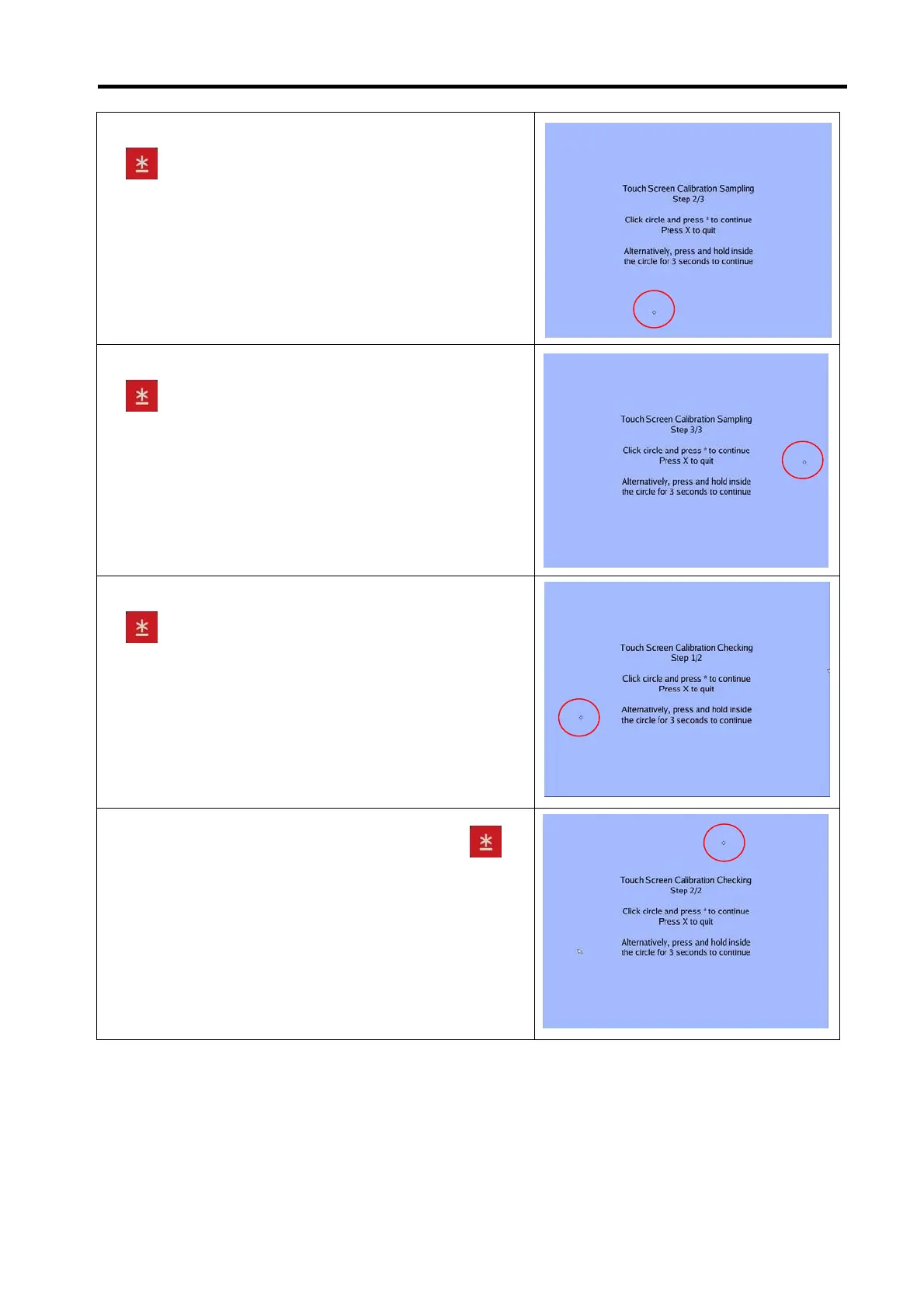
5) Touch [Circle point] at left side bottom corner and touch
key button. (Alternatively, press and hold inside the
circle for 3 seconds to continue).
6) Touch [Circle point] at right side center area and touch
key button.
7) Touch [Circle point] at left side center area and touch
key button.
8) Touch [Circle point] at center top area and touch
key button.



 To Next Page