DI-5000_DP-5000_DPS-5000 Service Manual Edition 2
68
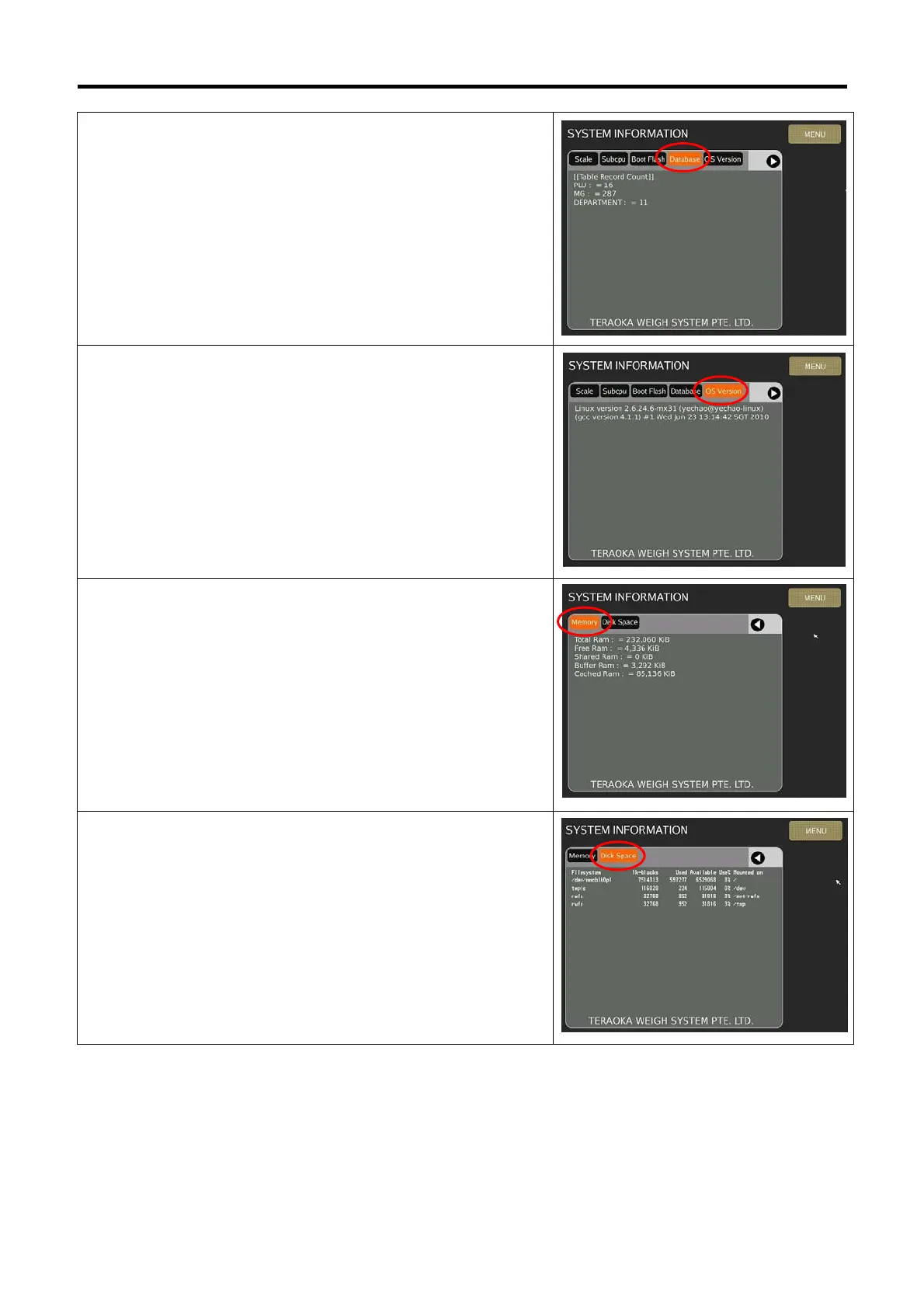
5) Select [Database] will show the information of “Table Record
Count”.
6) Select [OS Version] will show the information of “Linux
Operating System version”.
7) Select [Memory] will show the information of “Total Ram”, “Free
Ram”, “Shared Ram”, “Total Swap” and “Free Swap”.
8) Select [Disk Space] will show the information of Disk capacity
already used and available.



 To Next Page