DI-5000_DP-5000_DPS-5000 Service Manual Edition 2
79
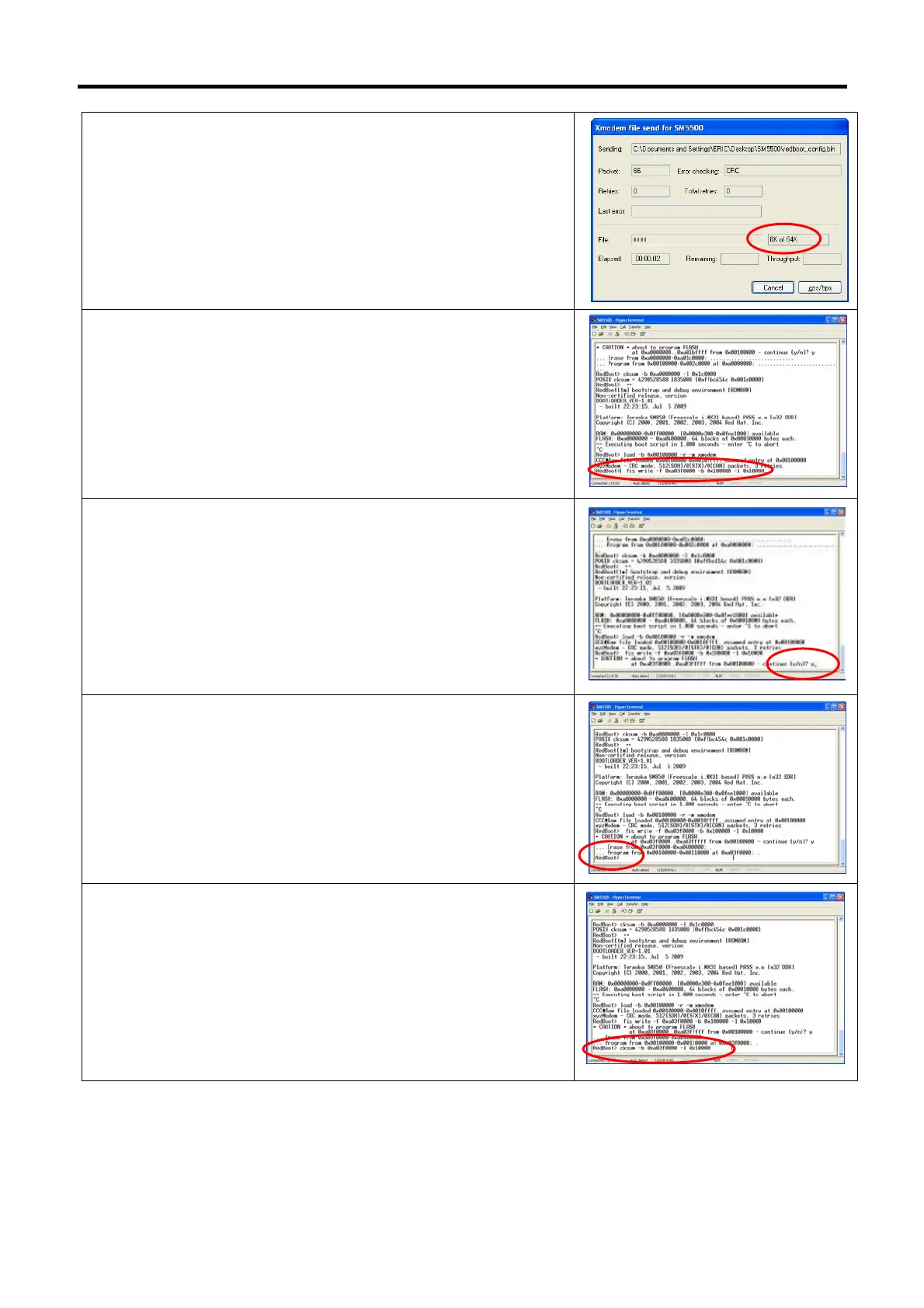
25) Waiting for process sending file until completed.
26) When completed the monitor will show RedBoot>. Keying
command [fis write –f 0xa03f0000 –b 0x100000 –l 0x10000]
and press keyboard [Enter] button.
27) When confirmation displayed, keying [y] and press keyboard
[Enter] button.
28) Waiting processing until completed. (When completed the
monitor will show RedBoot>)
29) Keying the command [cksum –b 0xa03f0000 –l 0x10000] and
press keyboard [Enter] button.



 To Next Page