TalkMasterFOCUSAdminConsoleReferenceManual
14
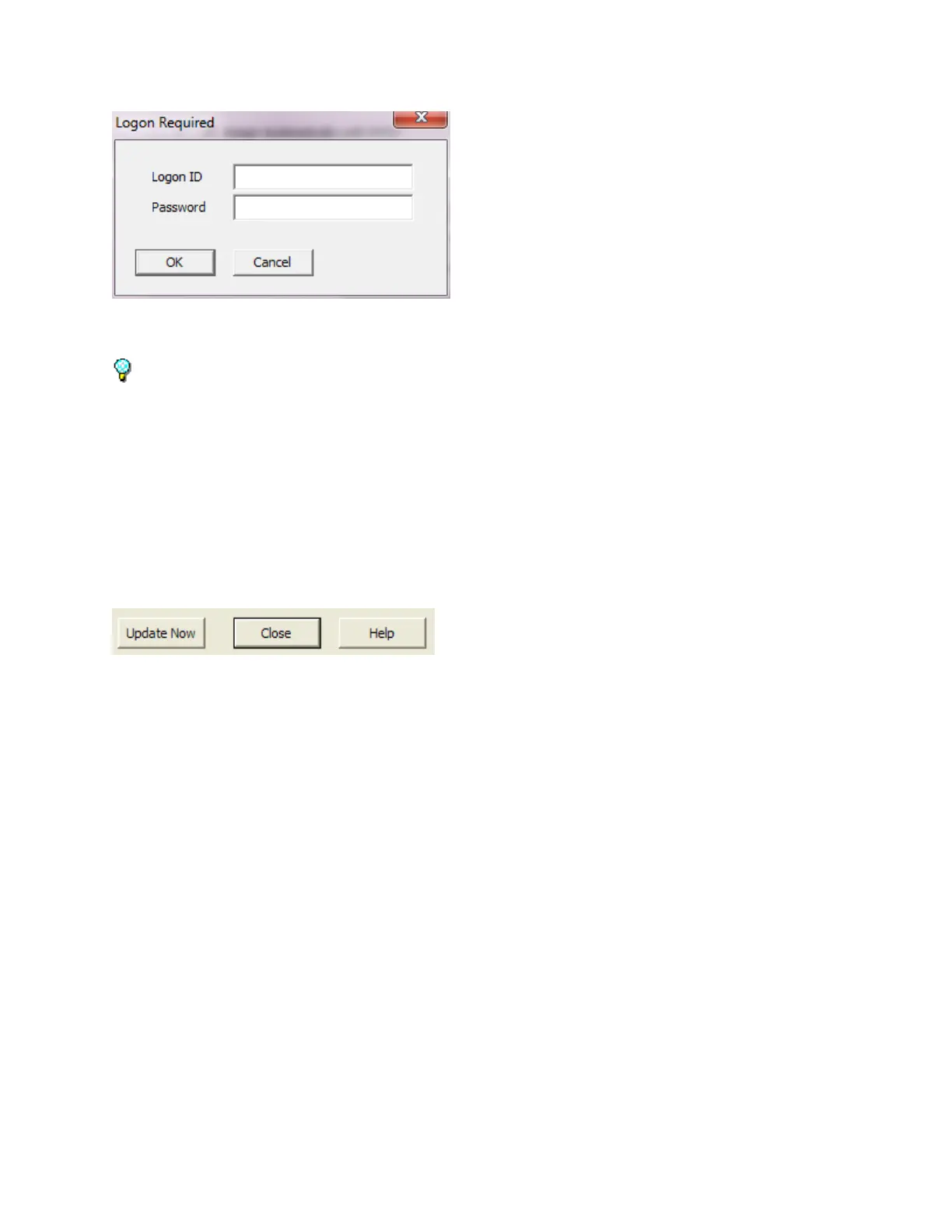
Logon with an Operator that has been defined with Administrative Rights in the Operator tab. The default
Logon ID is admin and Password is admin
The Administrator Console must be run on the same PC that the TalkMaster FOCUS Server software
is installed on.
If the connection to the Server is interrupted or if the Server is restarted, the Administrator Console will
automatically log back in using the Logon ID and Password that was previously entered.
Once logged on, change the Administrator password and create at least one additional Operator with
Administrator rights.
Common Buttons
Three buttons are found at the bottom of the screen. They can be used from any tab.
Update Now - used to send changes made in the Administrator Console to the Server and to Operator
Consoles that are currently logged on. The Update Now process is automatically run when the
Administrator Console is closed. This option significantly reduces the need to restart the Server
service.
Close - exits the Administrator Console.
Help - Opens the online Help.



 To Next Page