TalkMasterFOCUSAdminConsoleReferenceManual
70
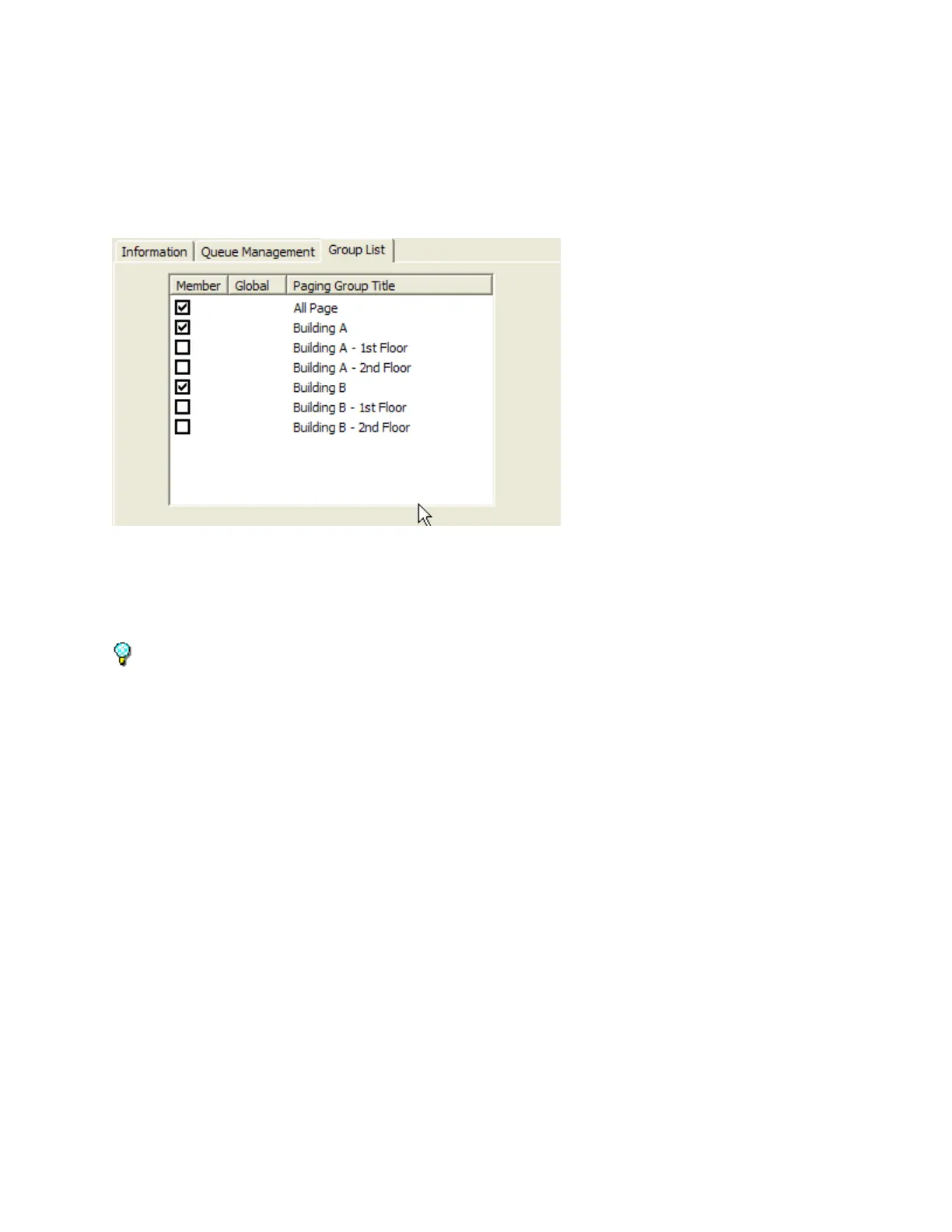
Group List
The Group List sub-tab of the Operator tab defines the paging Groups that will be listed on the
Operator Console.
Place a check mark in the Member column to include the Group on the Operator Console for this
Operator.
Click the Information or Queue Management sub-tabs to make more changes or click the Save
button.
If a Paging Group is defined with the Global Paging Group option, it is automatically included on all
Operator Console displays.



 To Next Page