25
Queues Tab
Queues
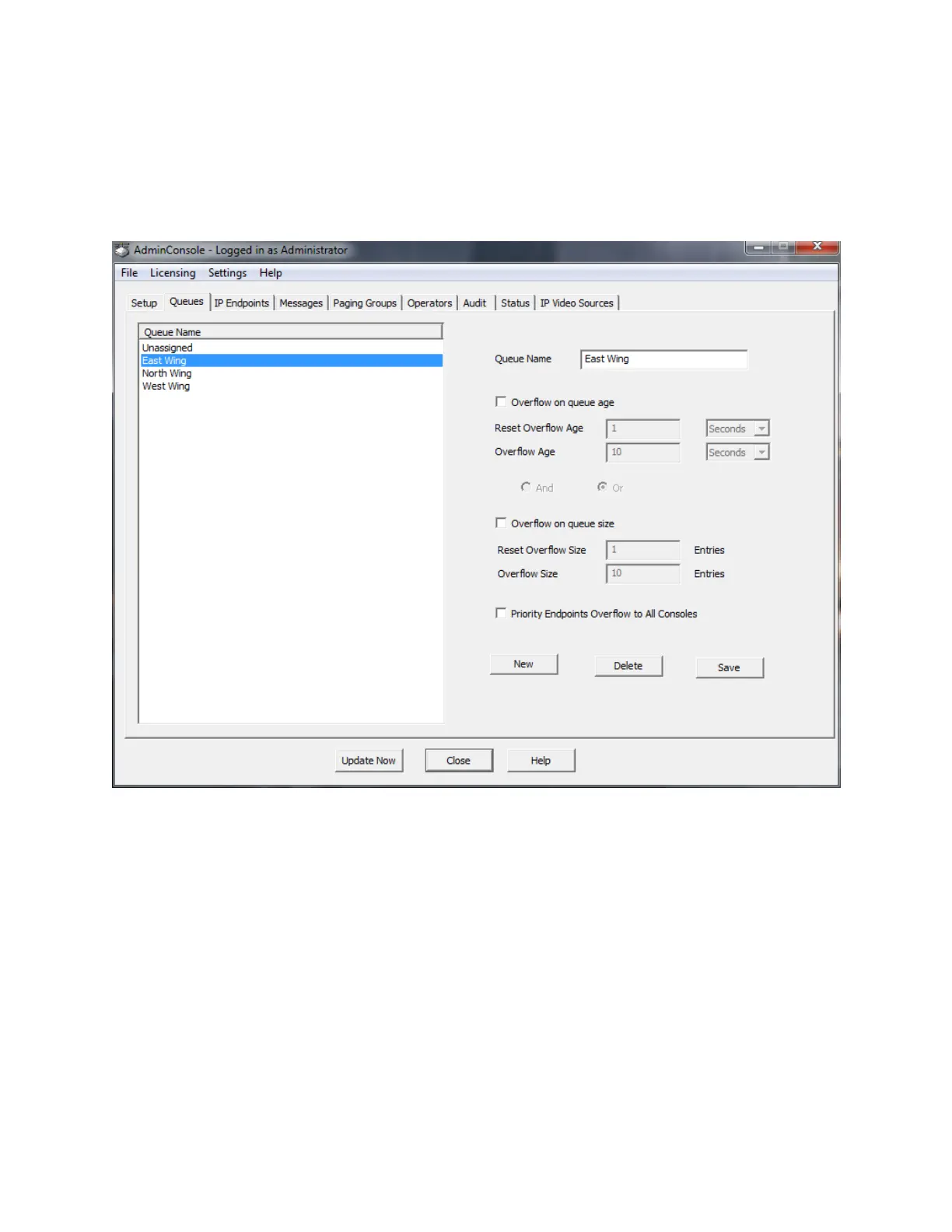
The Queues tab lists the currently defined queues and allows them to be maintained.
A Queue is a group of logically related IP Endpoints that will be monitored by one or more Operator
Consoles for 2-way Intercom operations. Once Queues have been defined, IP Endpoints will be assigned
to them using the IP Endpoints - Options 3 sub-tab. Queues will be managed by Operators specified in
the Operator - Queue Management sub-tab.
The Unassigned Queue is the system defined default Queue that will be used if no Queues are created.
If an IP Endpoint is not assigned to a specific queue, it belongs to the Unassigned Queue.
A Queue can be configured to overflow IP Endpoints to additional Operators monitoring other Queues
based upon certain conditions. The Overflow condition is reset when call volumes return to defined
acceptable service levels.
Queue Name - Assign a descriptive name that will be used to identify the Queue.
Overflow on queue age - Specifies that the Overflow condition is based upon the age of the oldest call
that has not been answered for this queue.



 To Next Page