Operators Tab
69
Press the Queue Management and Group List sub tabs to specify the Intercoms and paging
groups that should be associated with this Operator.
Press Save when all changes have been completed.
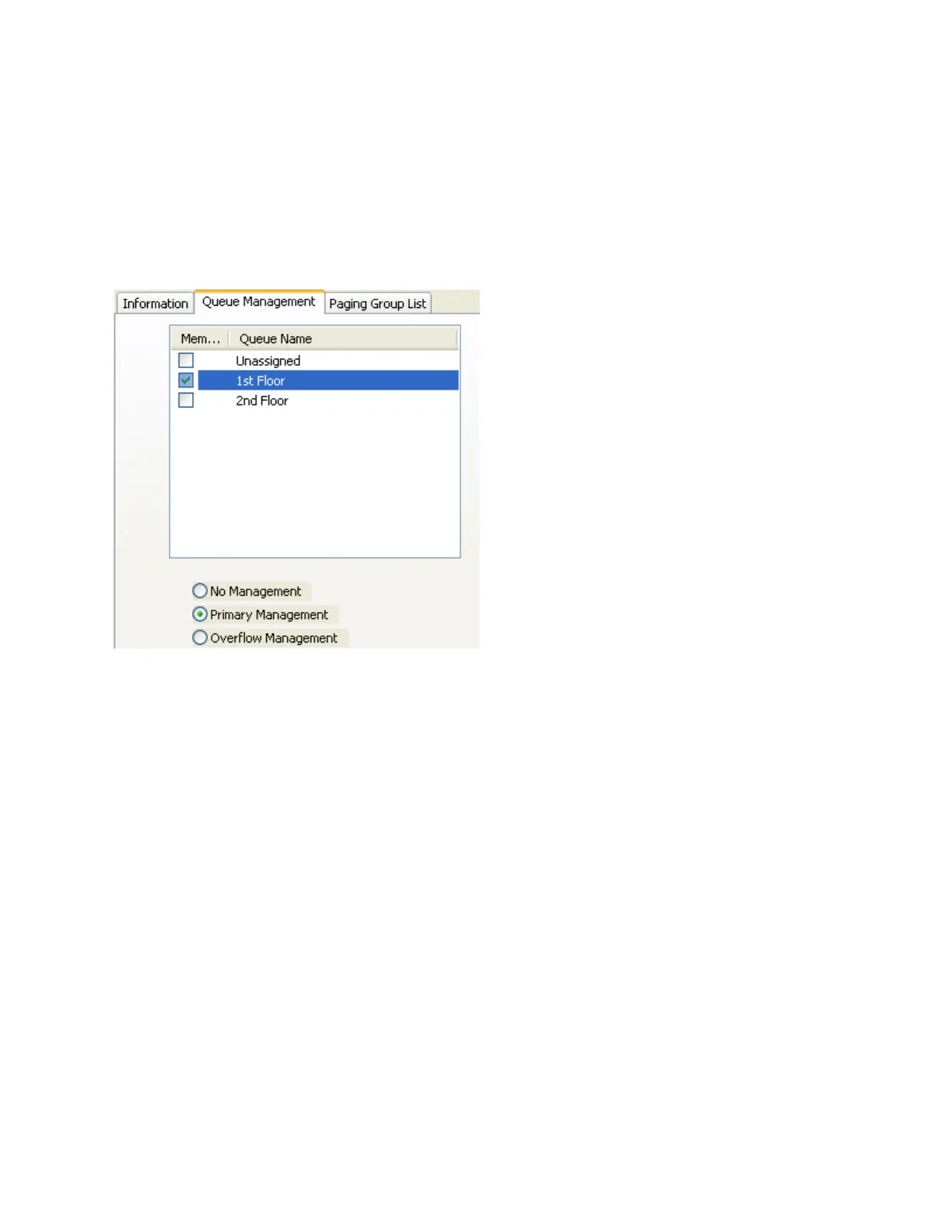
Queue Management
The Queue Management sub-tab of the Operators tab defines the Queues of IP Endpoints that an
Operator will be responsible for monitoring.
An Operator can have Primary or Overflow responsibility for one or more Queues. Intercoms in Primary
Queues are always listed in the top window of the Operator Consoles display. Intercoms in Overflow
Queues will only be listed when a Queue goes into Overflow status. Overflow Intercoms will be removed
from an Operator's display when the Overflow status is reset.
To update an Operator's Queues:
Click on an Operator name from the left side of the screen.
Check or uncheck a Queue Name.
Select the Primary Management, Overflow Management or No Management radio button
for that Queue.
Repeat for each of the listed Queues.



 To Next Page