63
Paging Groups Tab
Paging Groups
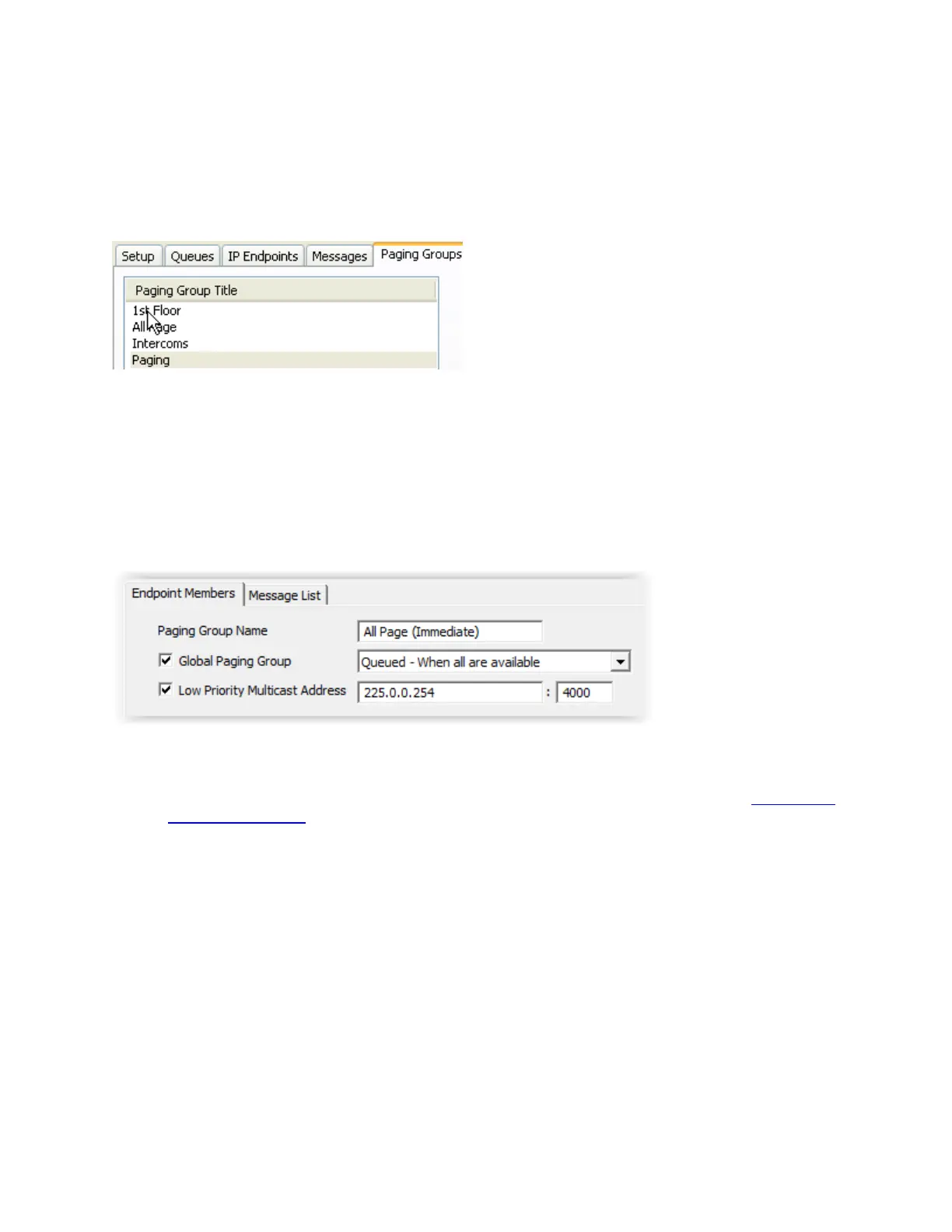
The Paging Groups tab allows IP Endpoints to be grouped together for sending 1-way audio pages.
A Paging Group can contain one or more Endpoints. An Endpoint may be included in more than one
Paging Group.
Each Group is associated to one or more Messages.
Paging Groups and their associated Messages can be assigned to one or more Operators using the
Group List sub-tab of the Operators tab.
To add new Groups, click the New button at the bottom of the right hand panel.
Paging Group Name - Enter the descriptive name of the Paging Group
Global Paging Group - Check this box to make the Paging Group available to all Operators. If
this box is not checked, the Paging Group must be assigned to Operators using the Operators --
> Paging Group List tab
Delivery Method - The delivery method determines when audio messages will be delivered to
the Paging Group
Send Immediately to available - Microphone Audio and Messages are sent in real time
to IP Endpoints in the Paging Group that are not involved in another audio operation
Queued - When all are available - Microphone Audio is recorded and Messages are
delayed till all IP Endpoints in the Paging Group are not involved in another audio
operation
Queued - When some are available - Microphone Audio is recorded and Messages are
delayed till at least one IP Endpoint in the Paging Group is not involved in another audio
operation



 To Next Page