TalkMasterFOCUSAdminConsoleReferenceManual
22
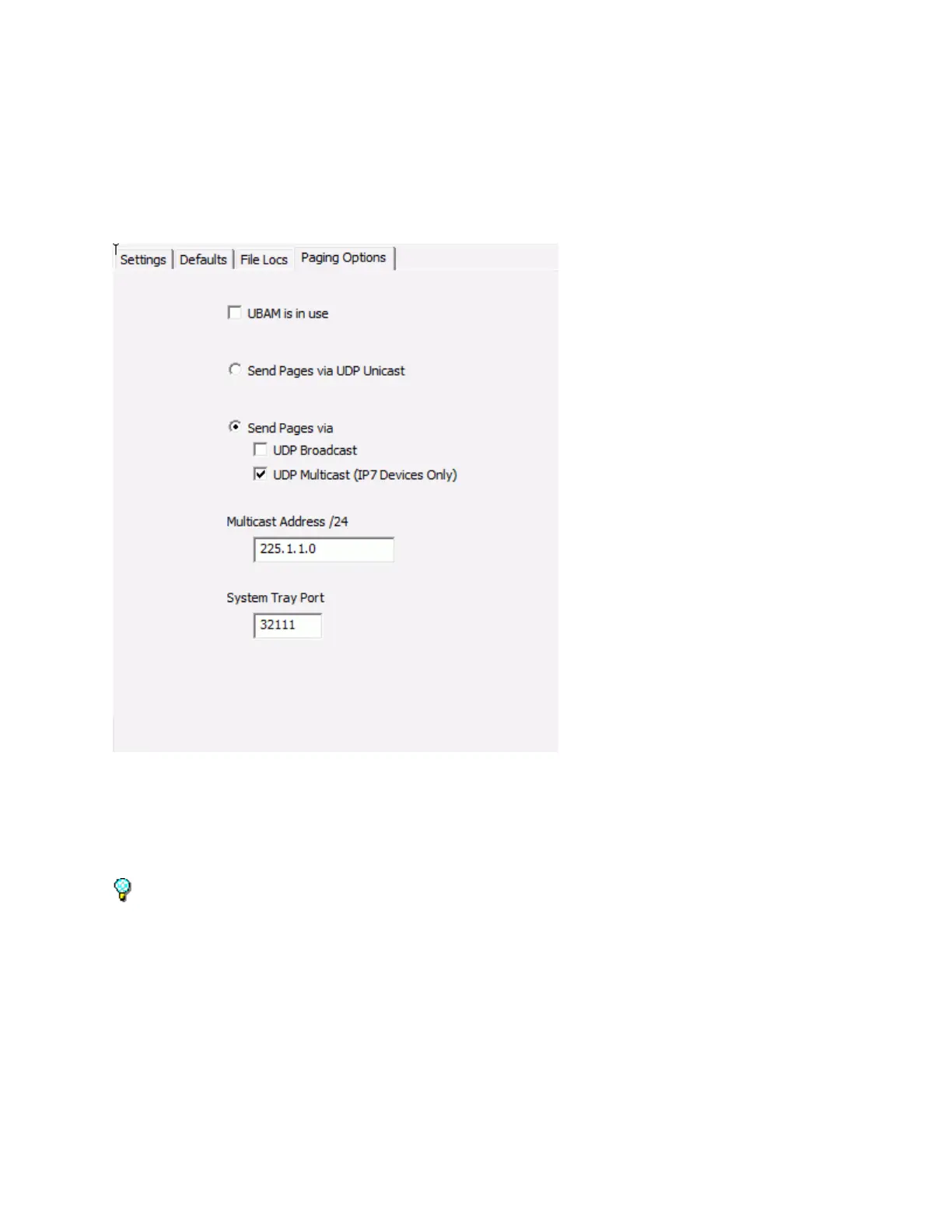
Paging Options
The Paging Options sub-tab of the Setup tab is used to specify how audio packets are delivered when
the same audio is simultaneously sent to multiple IP Endpoints (in the Operator Console, Talk Mode is
set to Group or All Active on the Intercoms tab or any operation from the Paging Groups tab).
UBAM is in use - Check this box if you are using UBAM software to send 1-way audio pages and to find
and configure Intercoms/ Paging Endpoints in remote subnets. Checking this box forces the TalkMaster
FOCUS Server to use UDP Broadcasts to find and configure Intercoms/ Paging Endpoints via the UBAM
software. This is typically used for older ii3 IP Endpoints.
If this option is selected, the Send Pages via UDP Broadcast must also be checked and the UBAM
Software must be setup.
Send Pages via UDP Unicast - By checking this box, audio will be sent to each device in the group via
UDP Unicast. UPD Unicast generates a separate audio stream for each device that is receiving the Page.
The maximum number of devices that can concurrently receive UDP Unicasts is dependent on the Server
and network hardware.
IP7 IP Endpoints configured with the RTP option will receive the Unicast audio via RTP. The
TalkMaster FOCUS Server will automatically assign a unique Source and Destination port for
each IP7. The Source and Destination Ports will be automatically assigned starting from port



 To Next Page