Welcome to Admin Console
11
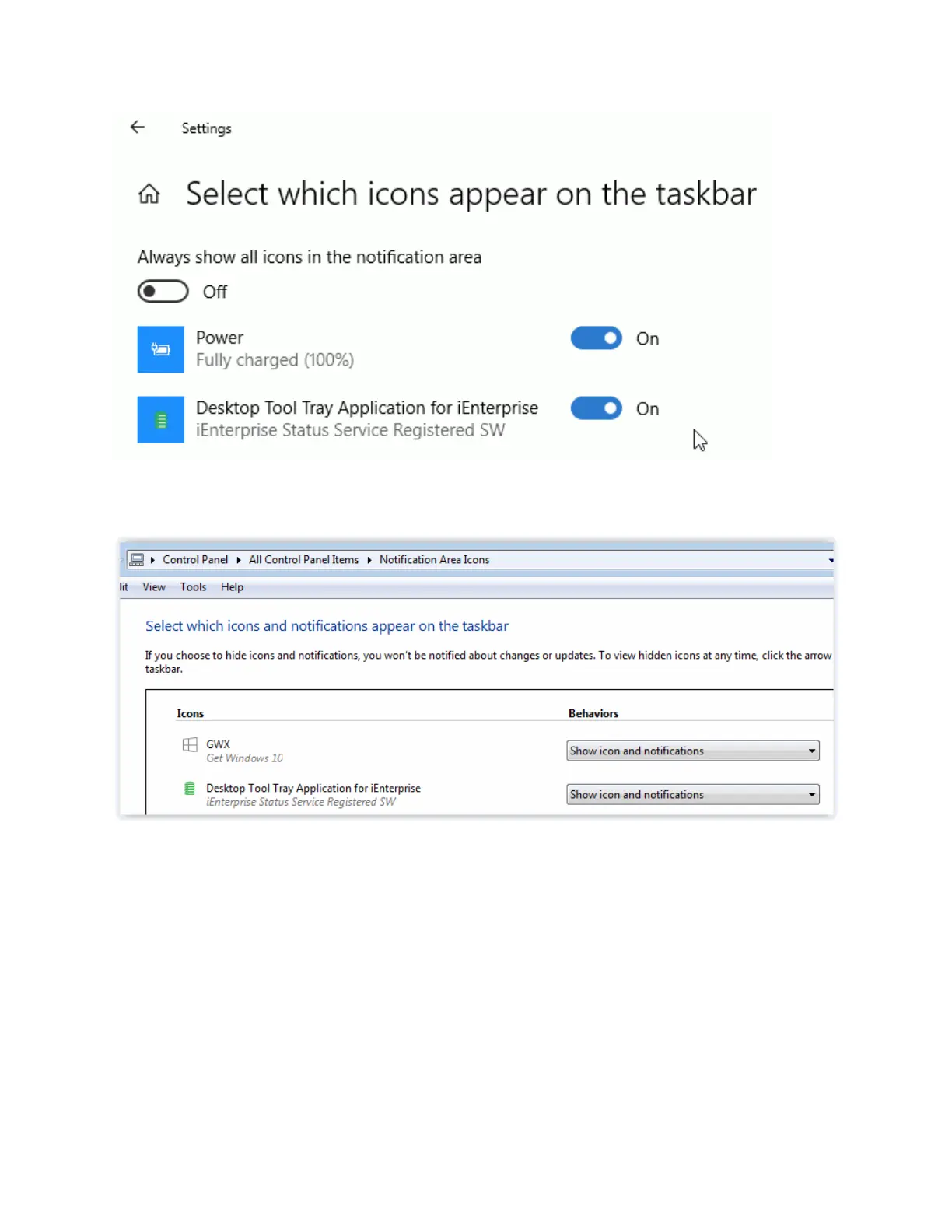
Windows 7 - Control Panel --> Notification Area Icons
Administrator Console Overview
The Administrator Console must be used to configure the TalkMaster Server options, IP Endpoint
Options, the Queues, Messages, Paging Groups, Operators and Video Sources that work together is the
system. It can also be used to track IP Endpoint events, play any recorded audio and see which IP
Endpoints and Operators are currently connected to the Server.
The Administrator Console must be installed and run on the same PC as the Server.
Using Endpoint Security



 To Next Page