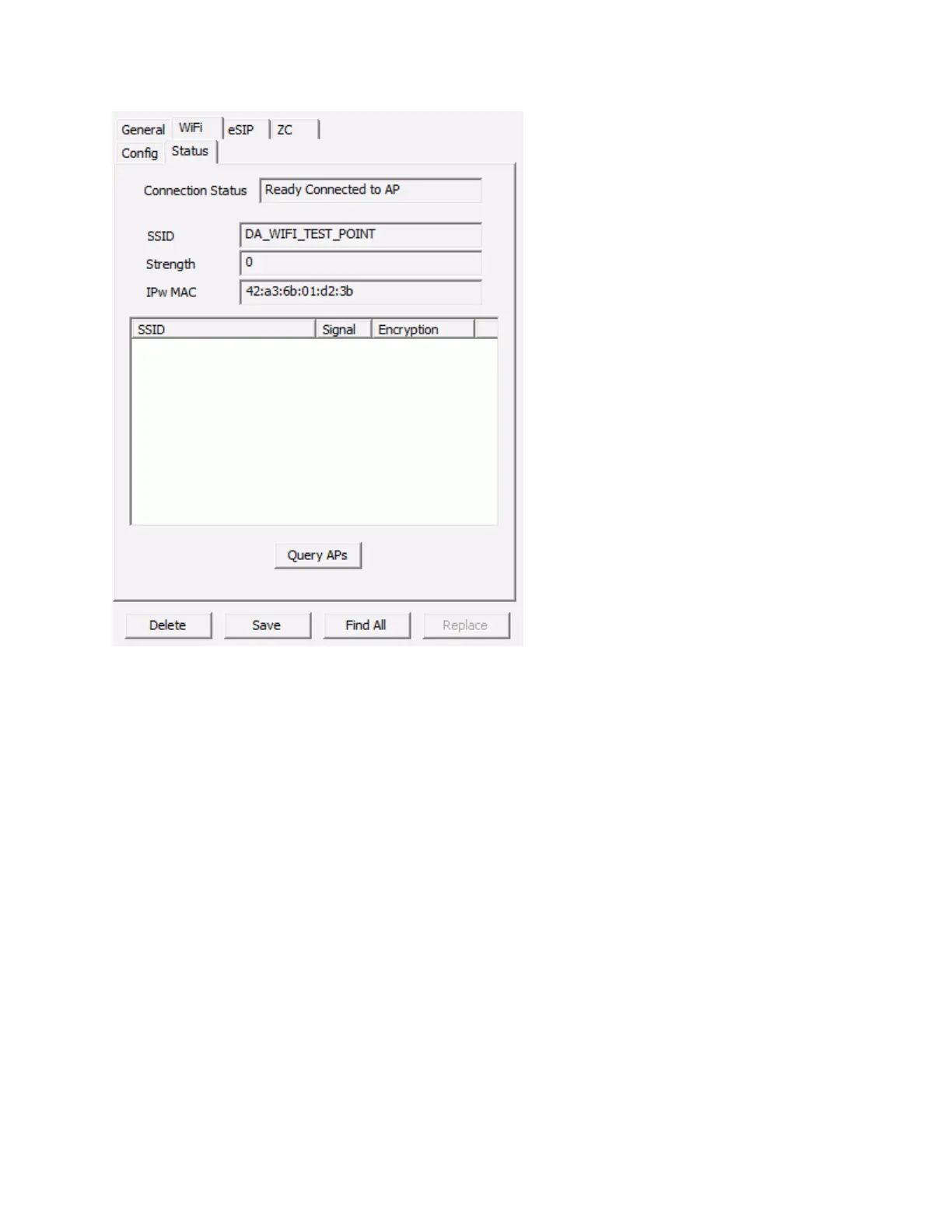
IP Endpoints Tab
45
Connection Status - Displays the status of the Wireless Network Adapter
SSID - Displays the SSID that the IP Endpoint is currently connected to
Strength - Displays the relative signal strength of the connection
IPw MAC - Displays the MAC Address of the Wireless Adapter
Query APs - Press this button to display a list of SSIDs, their relative signal strength and the Encryption
method
eSIP - Options 1
The eSIP sub-tab of the IP Endpoints tab is used to configure the SIP Protocol for IP7 Endpoints. The
SIP Protocol is used to communicate with SIP based IP Phone systems.



 To Next Page