Paging Groups Tab
65
Please note, the Member List is disabled if the Low Priority Multicast Address has been selected
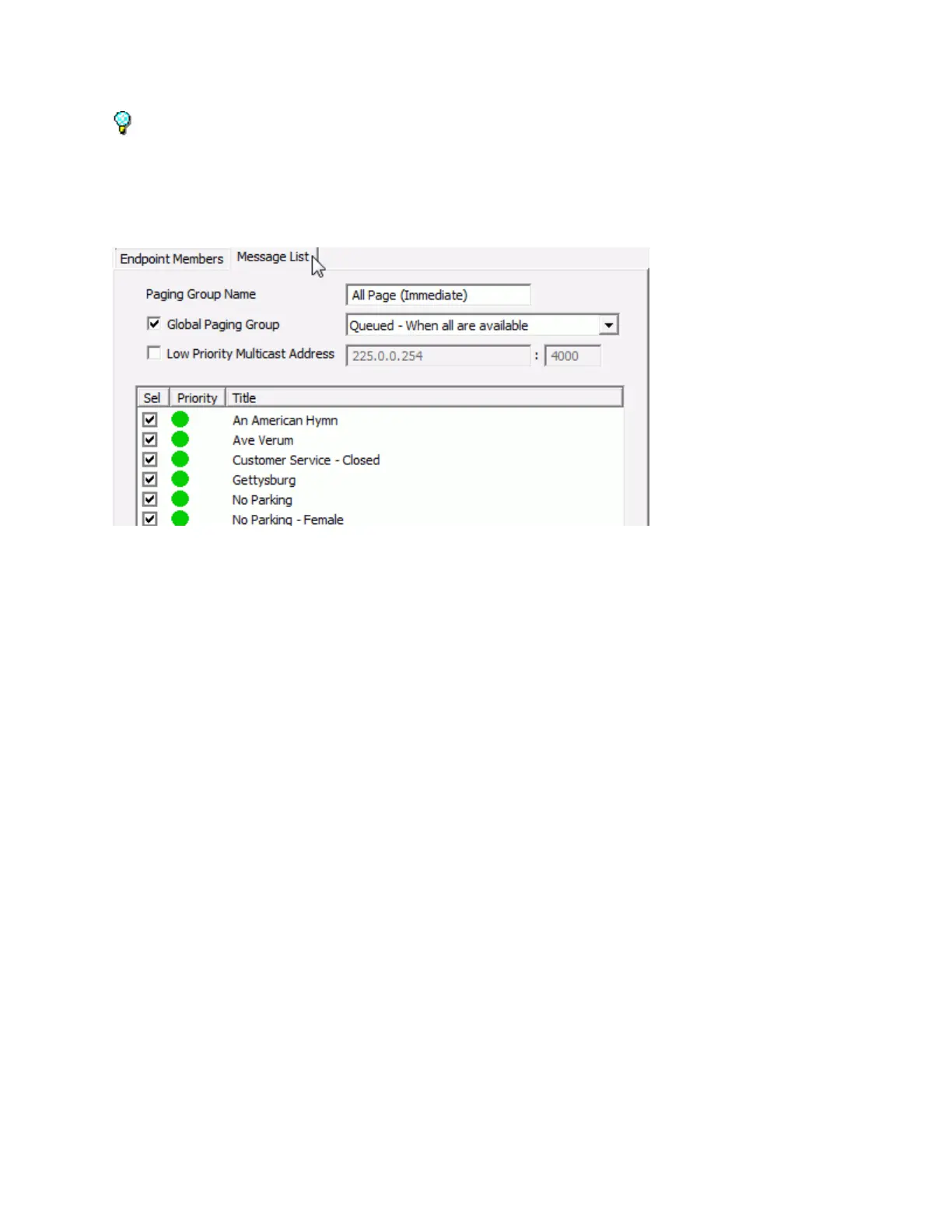
Message List
The Message List sub-tab of the Groups tab shows all Messages that have been defined on the Server
and allows the selected entries to be associated with this Group.
Place a check in the Sel column for each Message to be associated with this Group
Click the Endpoint Members list sub-tab to make more changes or click the Save button to save
the Paging Group



 To Next Page