73
Status Tab
Status
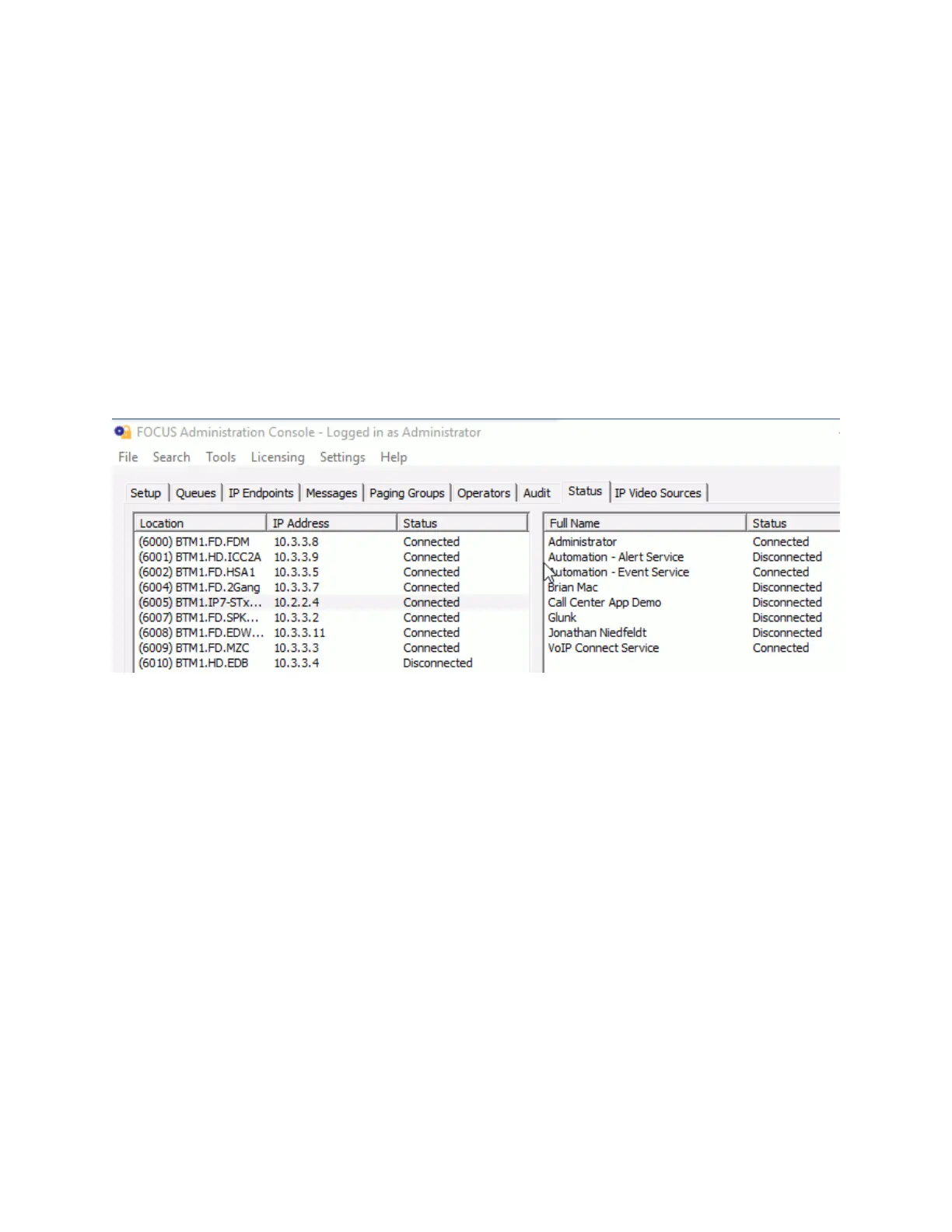
The Status tab shows the status of all configured IP Endpoints and currently logged on Operators.
The Status page is divided into two halves.
The left side of the screen shows the connection status of all IP Endpoints that have been
configured on the server.
The right hand side shows all Operators that have been configured and whether they are
currently signed on. If an Operator is logged on multiple times, the count will be displayed after
the Operator's name.
To sort the list, click on the Location, IP Address or Status column headers.



 To Next Page