TalkMasterFOCUSAdminConsoleReferenceManual
30
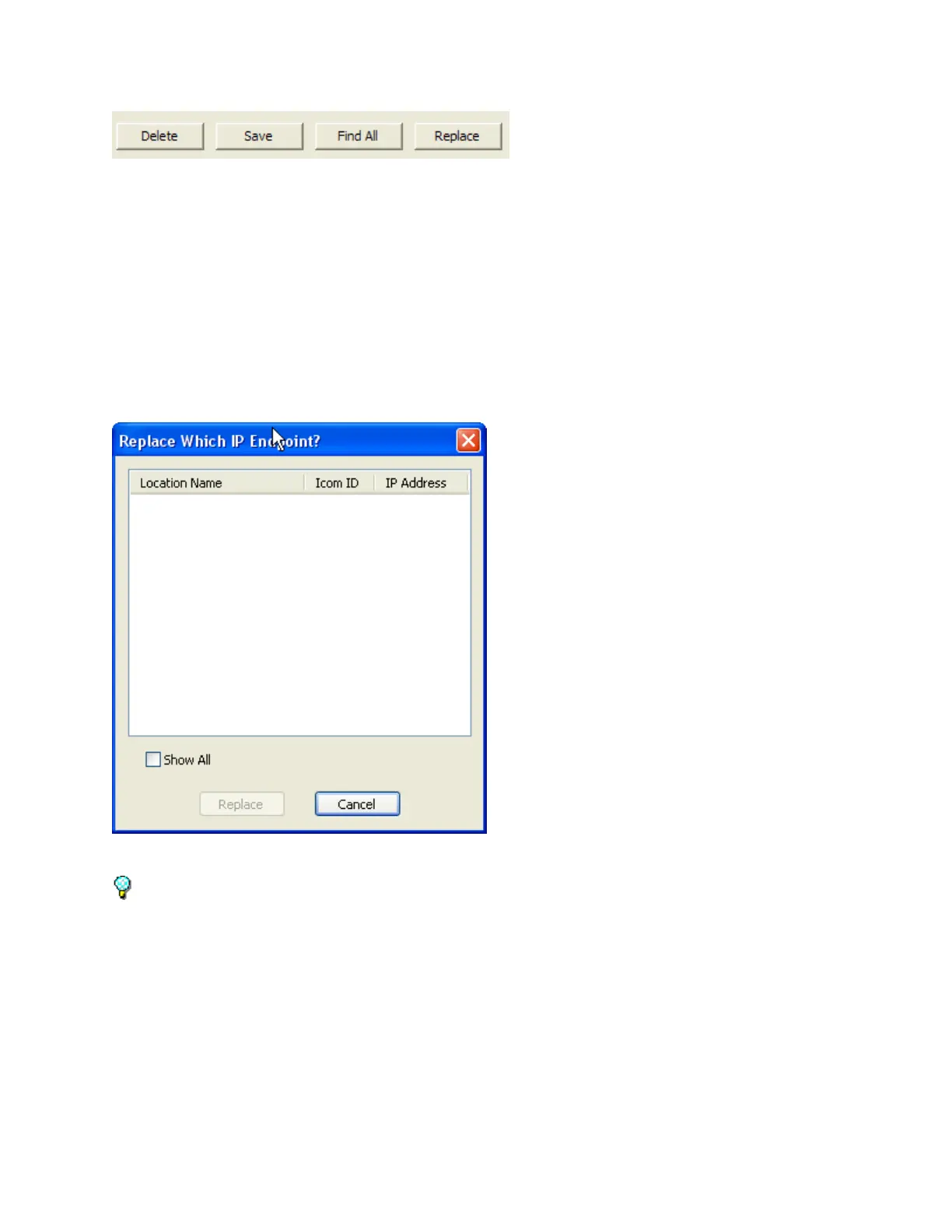
Delete - To delete an IP Endpoint from the list, select it and press the Delete button. A confirmation
dialog will be presented to confirm the action. If the IP Endpoint has a Security Code, a dialog will be
presented to verify that the device should be deleted.
Save - Applies any changes made to the IP Endpoint's configuration. Once the Save button is clicked, the
Intercom will be unavailable for approximately 10 - 40 seconds while the changes are applied.
Replace - The Replace button is used to replace the configuration of an existing IP Endpoint with a new
IP Endpoint that is not yet configured. When a IP Endpoint that is not yet configured is selected, the
Replace button becomes available. Pressing the Replace button opens a dialog containing any
Authorized IP Endpoint that is currently disconnected (check the Show All box to display all Authorized
IP Endpoints). Select the Intercom/Paging Endpoint from the list that should be replaced. The IP
Endpoint's configuration, including the Queue and Group information will be copied and the old endpoint
will be removed.
Press the Update Now button on the bottom of the screen to send any changes that have been made
in the Administrator Console to the Server and Operator Consoles.
Client Types
IP7s can be defined in one of five ways by modifying the Endpoint Type and the eSIP Type:



 To Next Page