67
Operators Tab
Operators
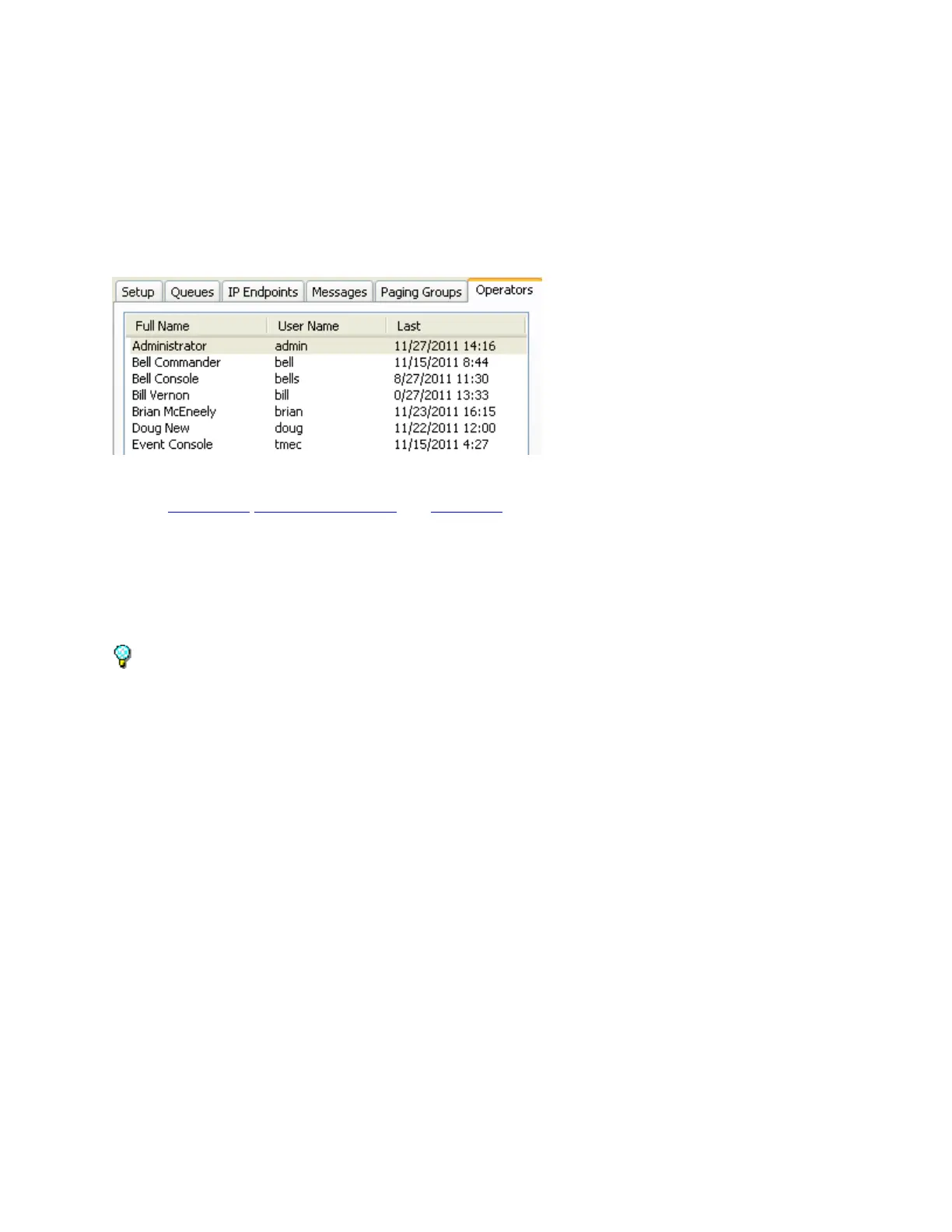
The Operators tab is used to setup logon IDs for users of the Administrator Console and the other
Consoles that interact with the TalkMaster FOCUS Server. The Operators tab is composed of three sub-
tabs Information, Queue Management and Group List.
To add new Operators, click the New button at the bottom of the right hand panel, fill in the
Information, Queue Management and Group List sub-tabs and click Save.
To manage Operators, select the Operator from above, then make changes in the Information,
Queue Management, and Group List sub-tabs then click Save.
To delete an Operator, select the Operator from above and then click Delete. A confirmation
dialog will be presented to verify the action.
Select the Information and Queue Management tabs to change additional settings before
clicking the Save button.
Press the Update button on the bottom of the screen to send any changes that have been made in
the Administrator Console to the Server and Operator Consoles.
Information
The Information sub-tab Of the Operators tab is used to define the Operators that will be using the
Administrator Console or Operator Console and their associated logon information.



 To Next Page