Welcome to Admin Console
13
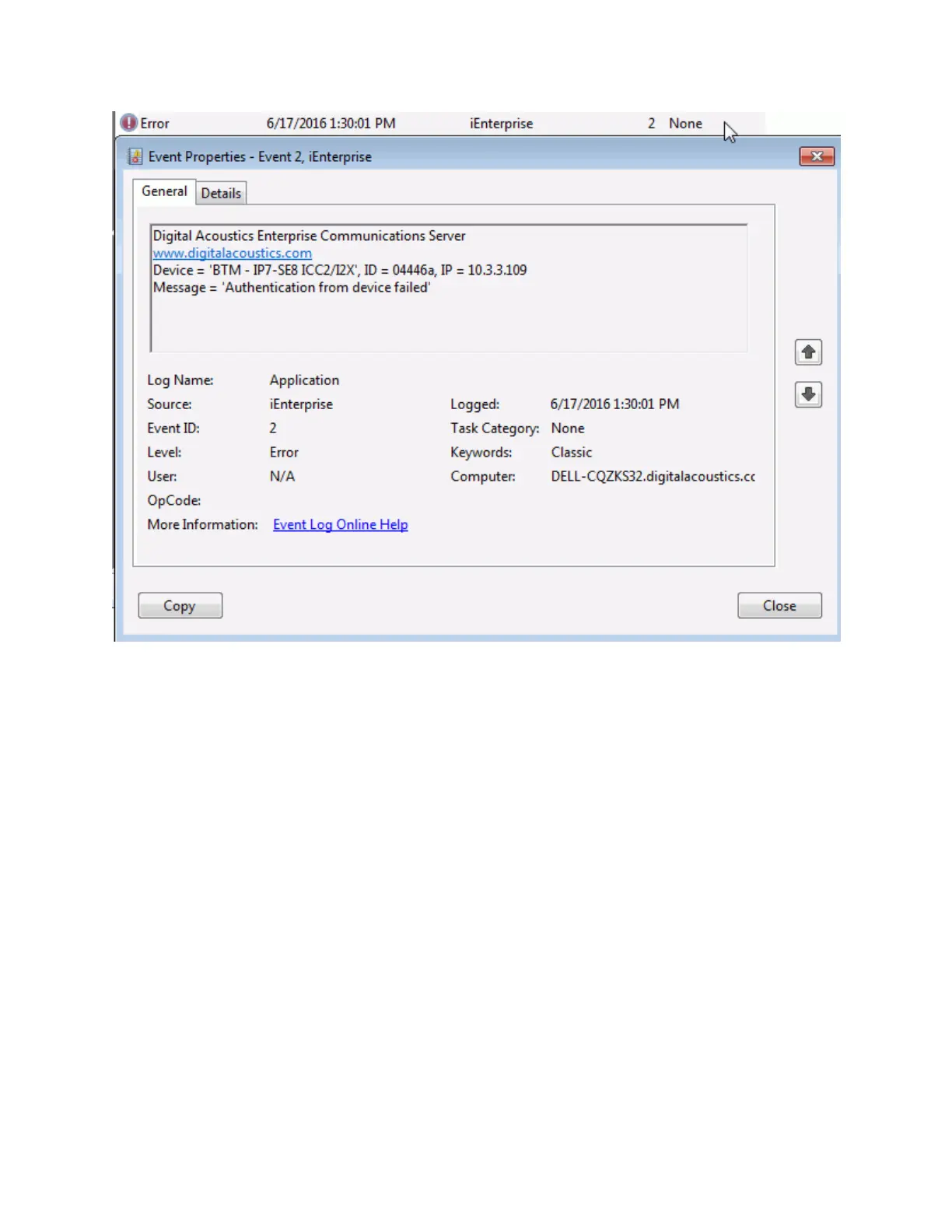
In order to restore the Security code and re-connect the IP Endpoint, one of the following option must be
used:
Change the Security code for the device in the IP Endpoints --> Option 1 tab. If the device is
not listed in the Admin Console, use the menu option Tools - Add Device Security code to set
the Security code for the device and then click the FIND ALL button. The Endpoint should
automatically reconnect within 60 seconds
Restore the Admin Console settings from a previous backup by using menu option File --> Import
Settings
Restore the IP Endpoint back to Factory Defaults (please note that this requires physical
access to the IP Endpoint). Use the FIND ALL button to rediscover it and then re-configure it.
Logon
The Logon dialog is displayed when the Administrator Console program is started.



 To Next Page