TalkMasterFOCUSAdminConsoleReferenceManual
48
End Call - This option determines if the IP7 should be able to end the SIP call when the
Endpoint's Talk or Sensor button is activated
No Call End @ Station - The call must be ended by the other party
PTT Ends Call - During an active SIP call, pressing the IP7's TALK button will end the
call
Sensor Ends Call - During an active SIP call, activating the IP7's Sensor will end the call
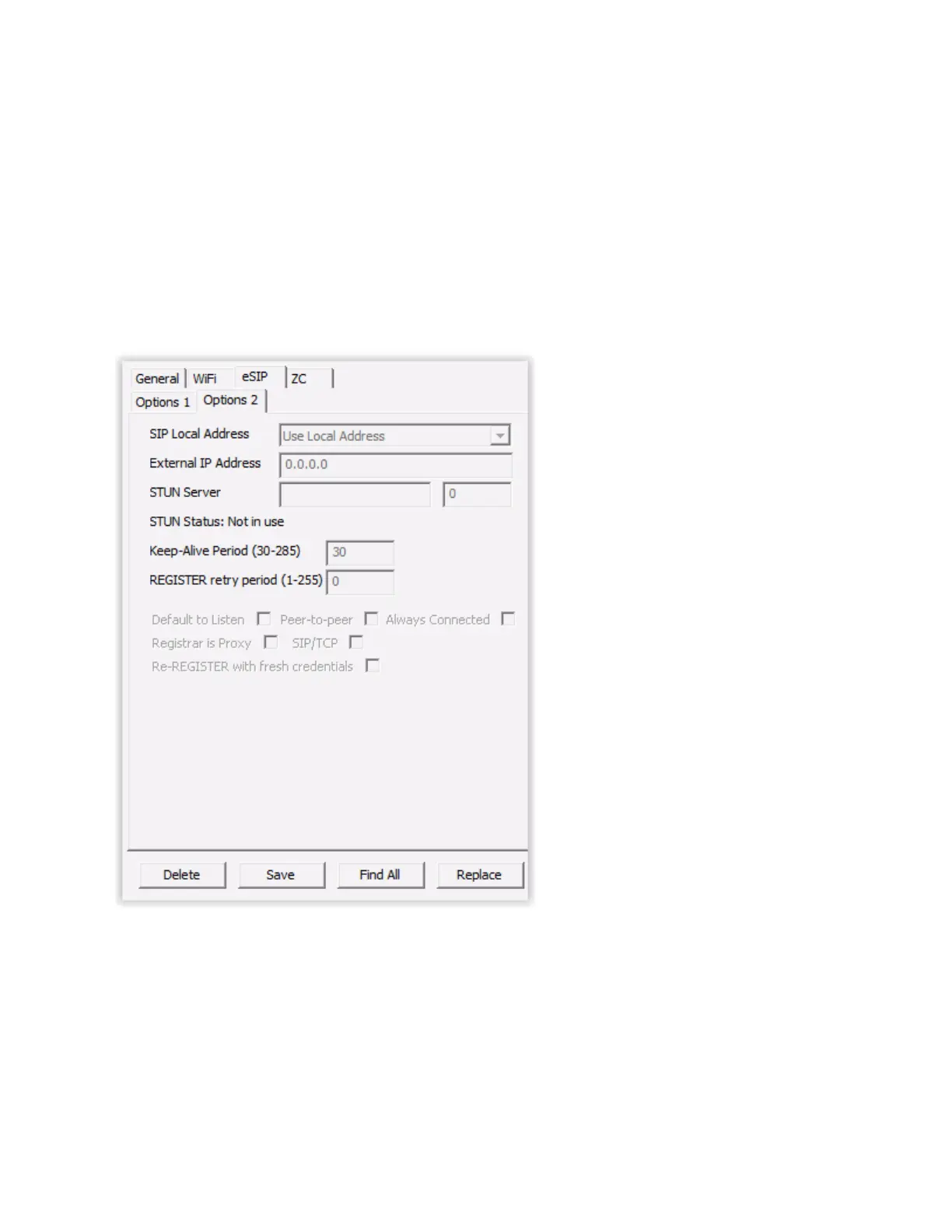
eSIP - Options 2
The eSIP Options 2 sub-tab of the IP Endpoints tab is used to specify some less common SIP Settings.
When eSIP Endpoints behind a NAT'd firewall communicate with a SIP Server outside the firewall, the
SIP packets may have to specify the external IP address of the eSIP Endpoint instead of the local
address. Cloud based VoIP suppliers, Application Layer Gateway or Session Border Controllers often
take care of this for voip traffic. If none of these are available, the following options can be used:
SIP Local Address - Specifies the IP Address to be specified in the SIP Packets for an IP
Endpoint



 To Next Page