77
Menu Options
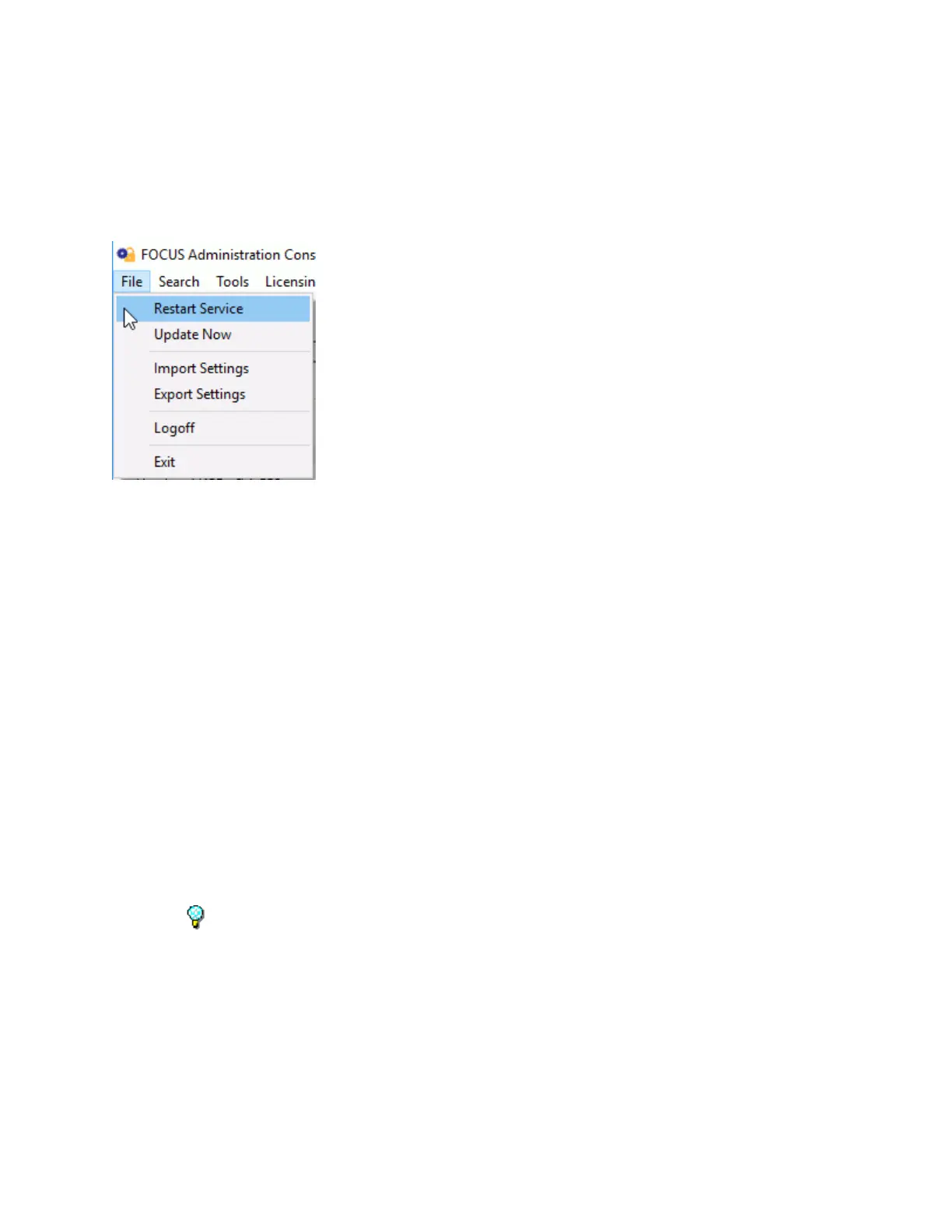
File Menu
The File menu has the following options:
Restart Service - Restarts the Servers Windows service to allow certain configuration
options to take affect. All currently logged in consoles will automatically log back in when the
Server service is available.
Update Now - Sends changes made in the Administrator Console to the Server and Operator
Console so the Server service does not have to be restarted.
Import Settings - Restores the TalkMaster FOCUS Server settings that have been created
using the Export Settings option. This can be used when backing up the Server settings or
setting up a Fail Forward Server.
o Merge - Merges the settings created using the Export Settings menu option with the
settings already on this Server.
o Clean Install - Clears all of the settings on this Server and replaces them with the
settings created using the Export Settings menu option. This option should be used
when restoring a Server or creating a Fail Forward Server.
o IP Endpoints Only - Clears all of the IP Endpoints from the current Server and
replaces them with the settings created using the Export Settings. This does not
affect Server Settings, Queues, Paging Groups or Messages.
Export Settings - Creates a backup of all of the Server Settings, IP Endpoints, Queues,
Paging Groups, and Messages.
Warning - This option does not backup the Audio Archives or the daily Audit Logs. Please
reference the Application Note for backing up the TalkMaster FOCUS Server system..
Logoff - Logs the current user out of the software and displays the Logon dialog.
Exit - Exits the Administrator Console session and closes the application.
Search Menu
The Search menu has the following option:



 To Next Page