15
Setup Tab
Setup
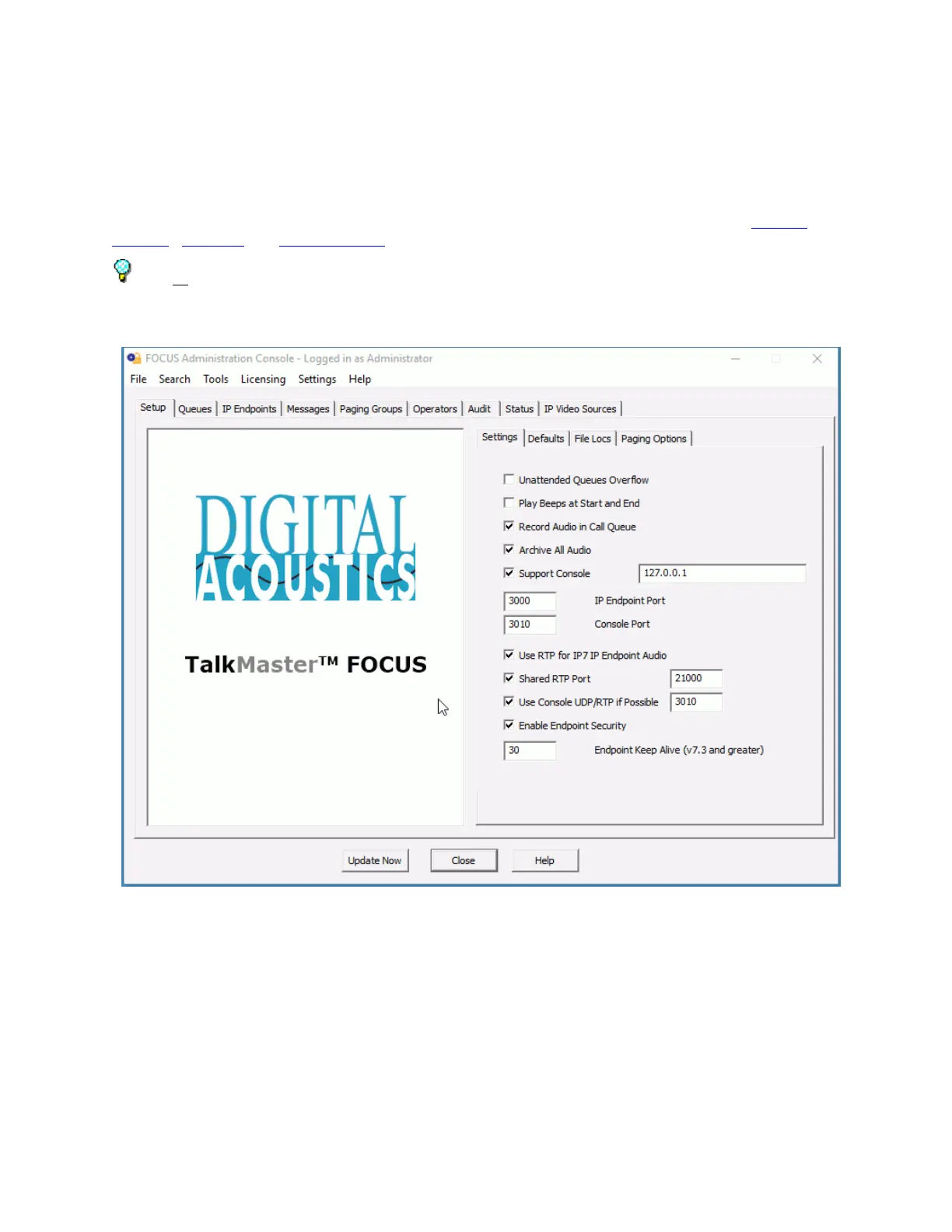
The Setup tab is used to setup Server-based options. There are four sub-tabs on this page: Settings,
Defaults, File Locs and Paging Options.
After all changes have been made, press the Update Now button on the bottom of the screen to send
changes that have been made in the Administrator Console to the Server and Operator Consoles.
Settings
The Settings sub-tab of the Setup tab is used to set the Server options.



 To Next Page