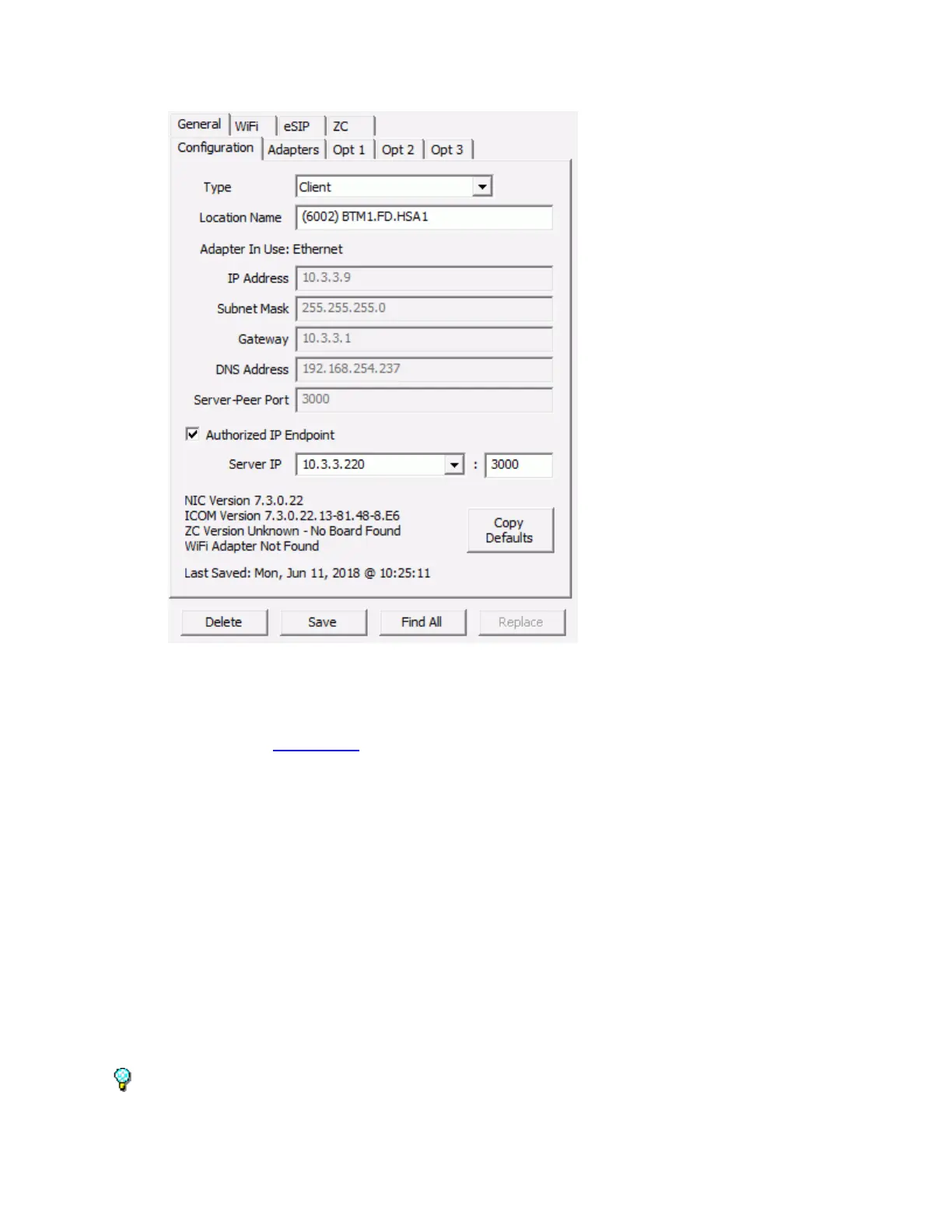
IP Endpoints Tab
33
Select an Intercom on the left side of the page and set up the IP information as specified below. Select
other tabs to configure additional information before clicking the Save button at the bottom of the page.
Type - The Type determines how the IP Endpoint will be used. IP7s can configured in one of
four ways. Refer to the Client Types topic for more information.
Client – The IP Endpoint will connect to a software server or to a IP7 device configured as a
Direct Mode Server. This is the setting used to connect to software servers based on the
TalkMaster FOCUS family of software products.
Server - The IP7 Endpoint will act as a Direct Mode Server. In Direct Mode, a pair of IP7
Endpoints can communicate with each other without any software running. An IP7 configured as
a Client will connect to it. Refer to the Application Note on Direct Mode Configuration for
details.
SIP Stand-alone – The IP7 IP Endpoint will be configured as an Extension on a SIP based VOIP
Phone system. The IP7 can be configured as a 1-way Paging Speaker or as a 2-way audio
extension that can dial a pre-defined extension when its TALK button is pressed.
Music Injector - The IP7 IP Endpoint can be configured as an Audio Injector to send Multicast
audio to other IP7s on the Network. The IP7 Endpoint cannot be used for any other purpose
when this option is selected. Refer to the Application Note on Configuring an IP7 as an Audio
Injector to complete the configuration.
The SIP Stand-alone and Music Injector types are not supported on the ii3 model IP Endpoints.



 To Next Page