TalkMasterFOCUSAdminConsoleReferenceManual
42
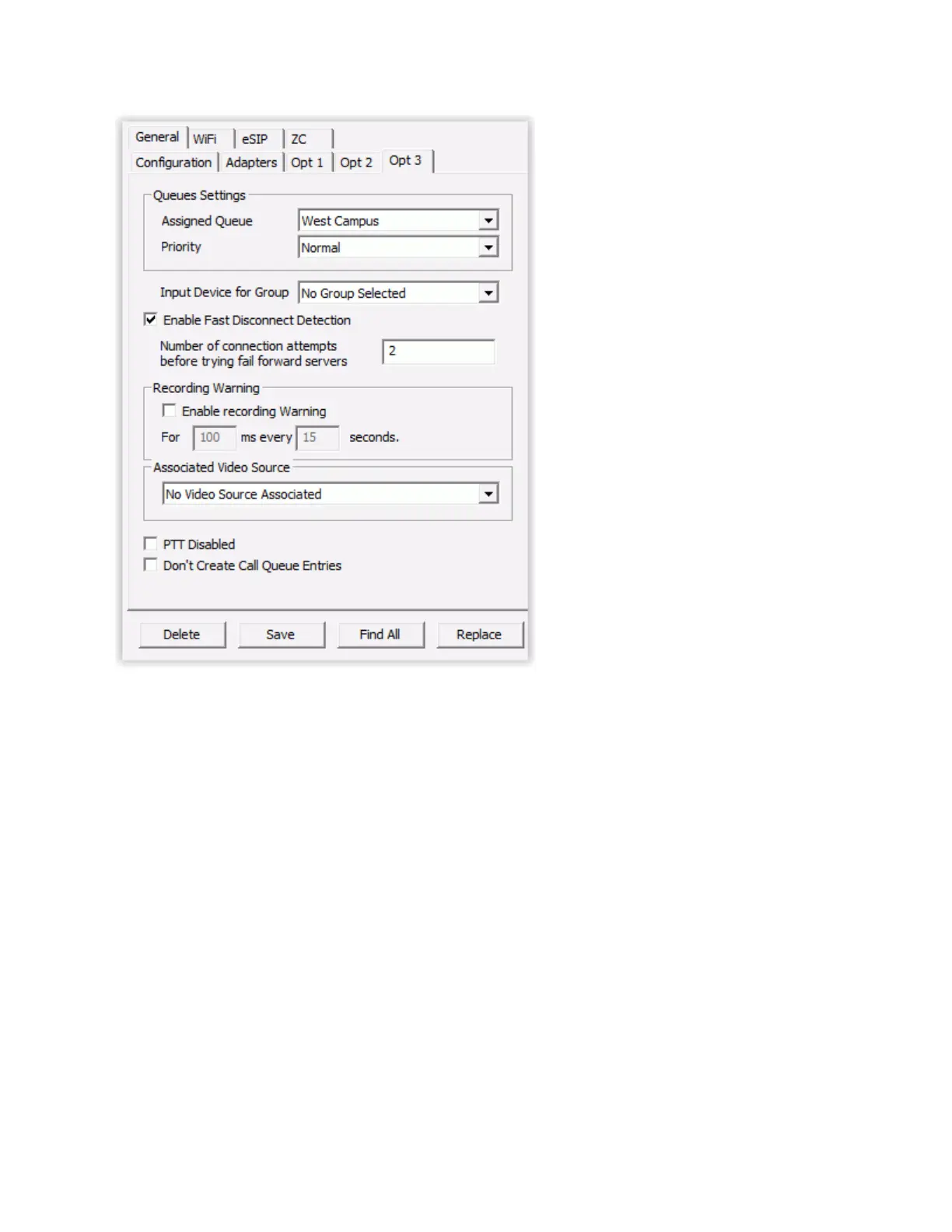
Queue Settings
Assigned Queue - Select a Queue from the drop down list to assign to this IP Endpoint. If no
queues have been selected or assigned, the IP Endpoint will default to the system generated
Unassigned queue.
Priority - Select a priority from the drop down list. If the value Normal is selected, the Intercom
has no priority. Calls from intercoms are sorted in Priority sequence in the Operator Console
Calls Waiting List in the following Sequence:
Highest
Values 1-9 (1 is highest in the range)
Normal
If the Queue is set for Priority Intercoms Overflow to all Consoles, selecting any value other
than Normal will cause this Intercom to go into an Overflow condition when its call button is
pressed.
Input Device for Group - An IP Endpoint can be configured to record audio that will be sent to a Paging
Group defined with a "queued" delivery option. If a Paging Group is selected, any time the TALK switch



 To Next Page