TalkMasterFOCUSAdminConsoleReferenceManual
80
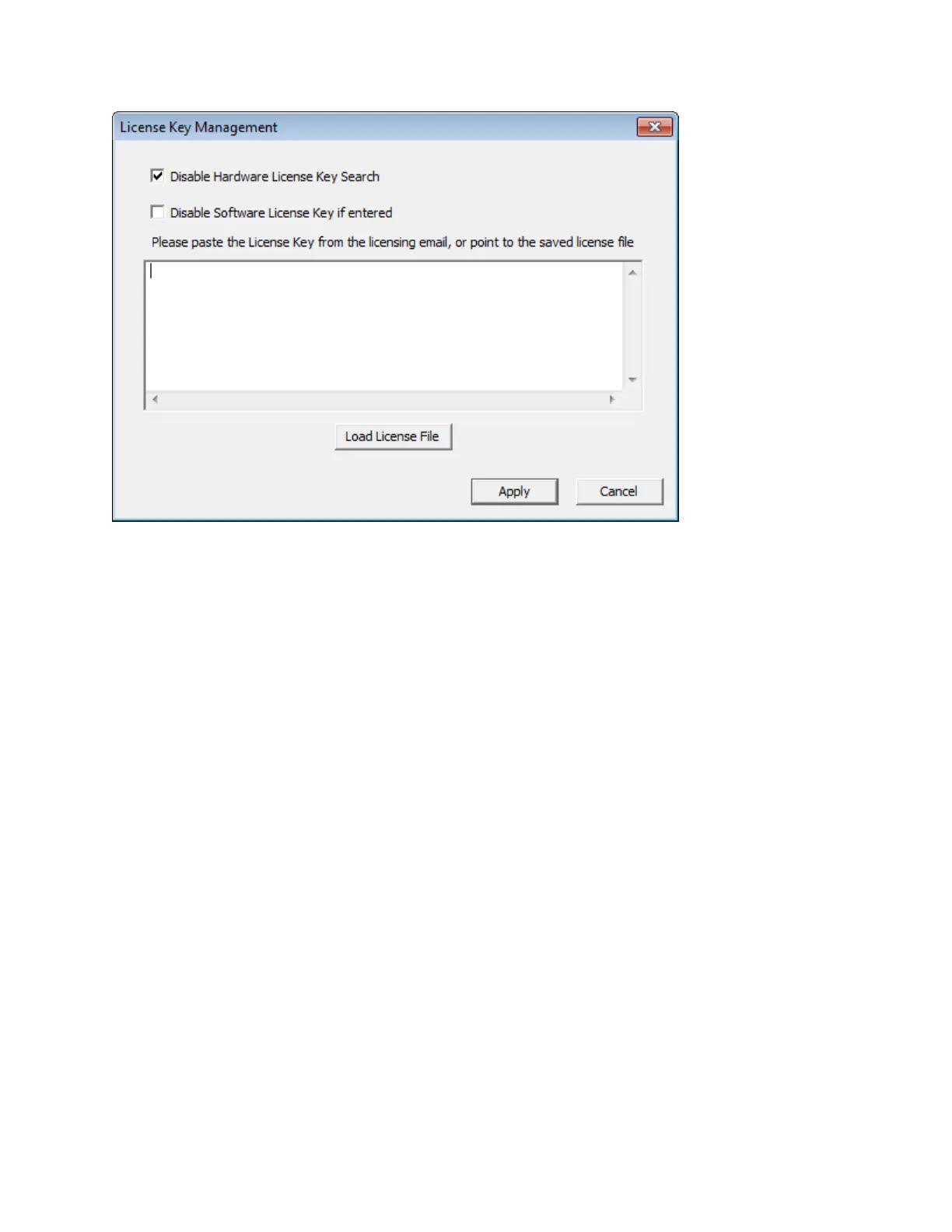
Disable Hardware License Key Search - By default, searching for a Hardware License Key is
disabled. When using a USB License key, uncheck this box and press the Apply button
Disable Software License Key if entered - If a software license key has been entered, this box
must be unchecked.
License Key Entry Box - Used to enter the software license key supplied by Digital Acoustics.
Load or copy/paste the Software License Key into this field and then click the Apply button to
license the software
Instructions for obtaining a software license key:
Select menu option License --> Create Signature



 To Next Page