TalkMasterFOCUSAdminConsoleReferenceManual
86
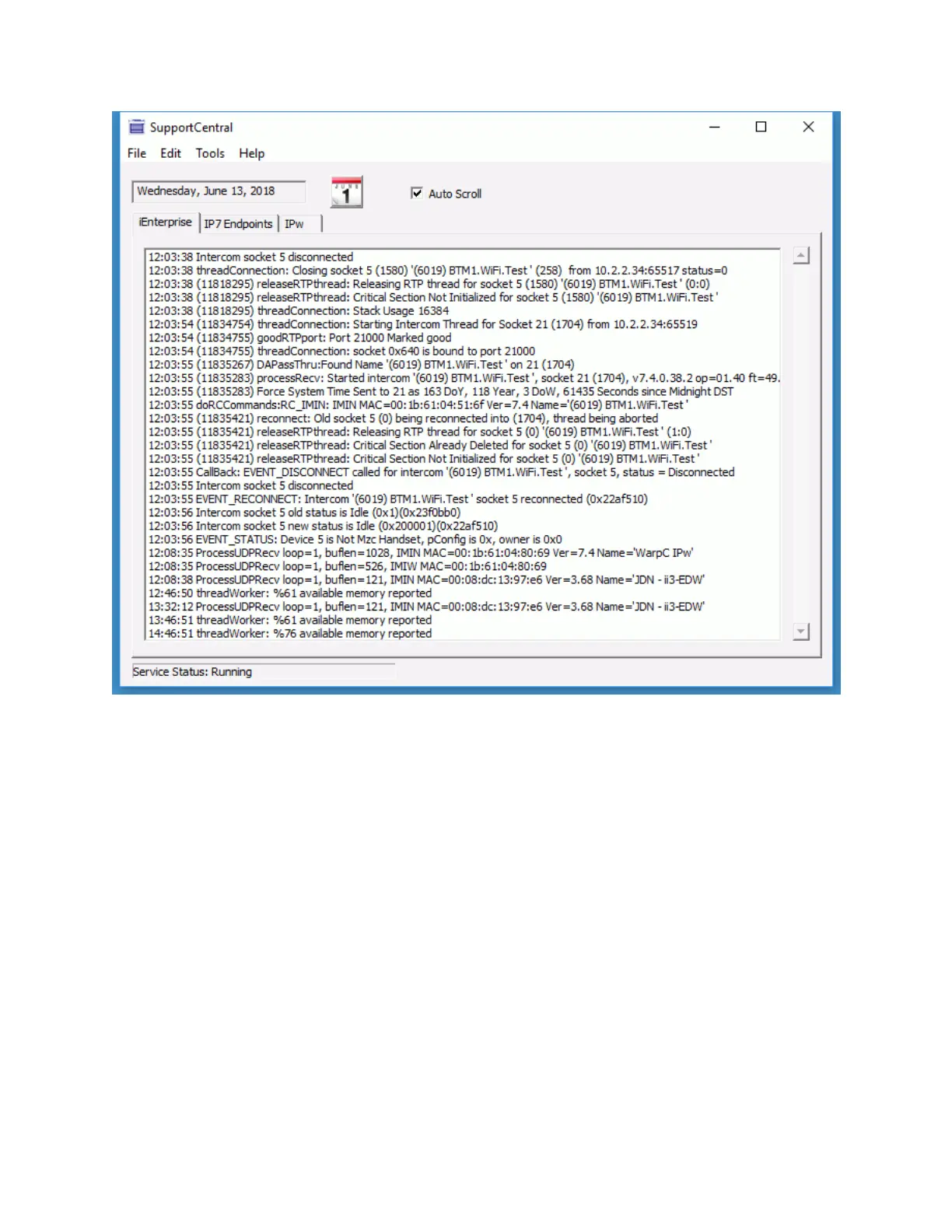
Calendar ICON - To select a previous day's activity, click on the Calendar ICON and select a
date
Auto Scroll - When checked, the display is locked and will automatically scroll to the most recent
activity. To manually scroll through the log, uncheck this option
IP7 Endpoints tab
The IP7 Endpoints tab displays tracking information collected from specific IP7s



 To Next Page