TalkMasterFOCUSAdminConsoleReferenceManual
88
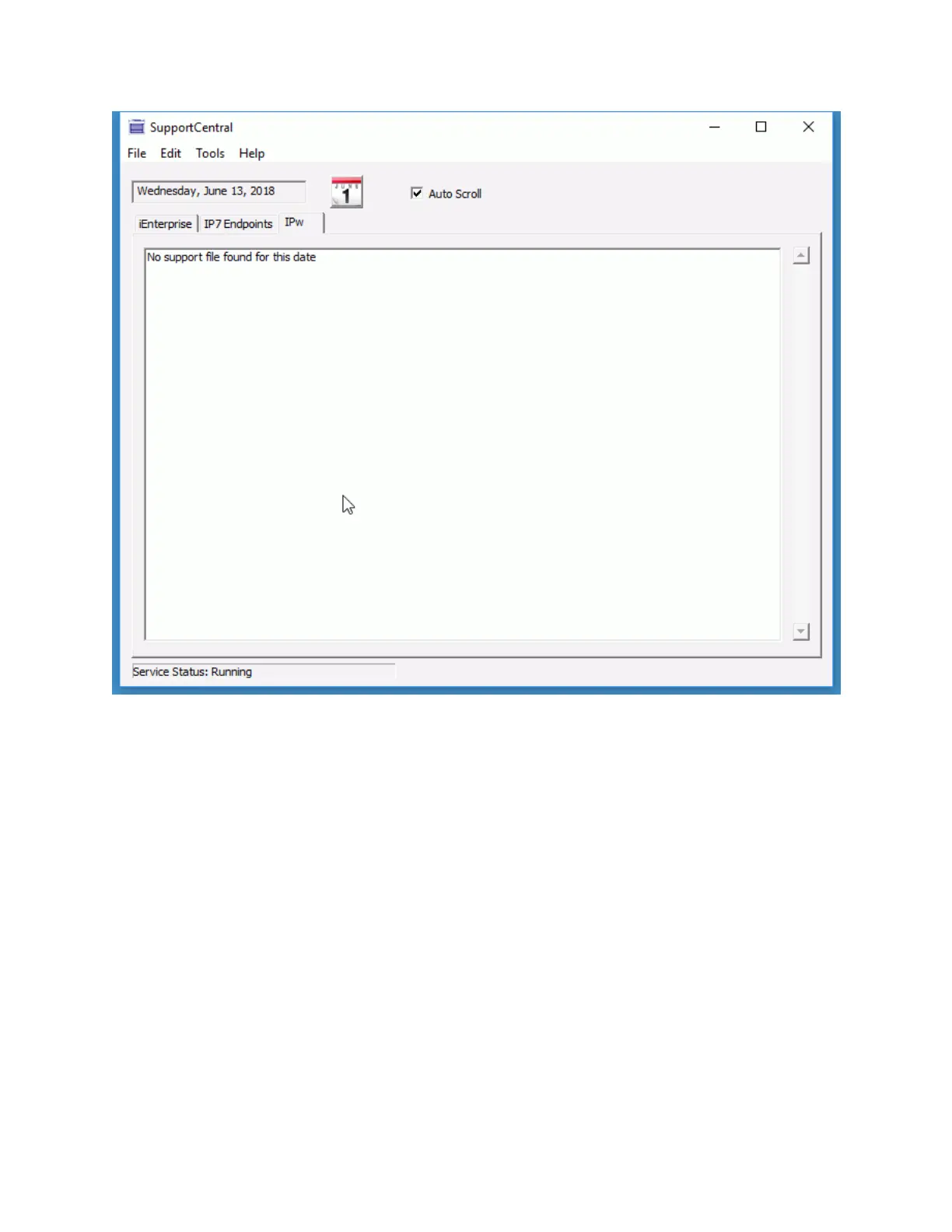
Support Central Menu options:
File --> Open Current Folder - To copy tracking information, select this menu option, then open
either the iEnterprise Support Database or the IP7 Support Database folder and copy the
selected day's activity. Email the data to Digital Acoustics Technical Support
File --> Clear Database - This option will clear the current day's activity for either iEnterprise or
IP7 Endpoints
File --> Export Records - This option will export a specific day's activity for either iEnterprise or
IP7 Endpoints
Edit--> Find - Enter a text string to search on the currently displayed data
Edit--> Find Next - This will find the next instance of a text string
Tools --> Save Window Size / Position - Click this option to always open the Support Central
console window to the same position



 To Next Page