8 EVOLUTION 1 SYSTEM MANUAL Issue 1.1 20 Dec 2006
MENU STRUCTURE
In the Command mode, access is allowed to the menu structure for basic
parameters. The menus reside within the function keys, F1 through F4. In order
to select one of the parameters, press the number key that corresponds to the
desired parameter.
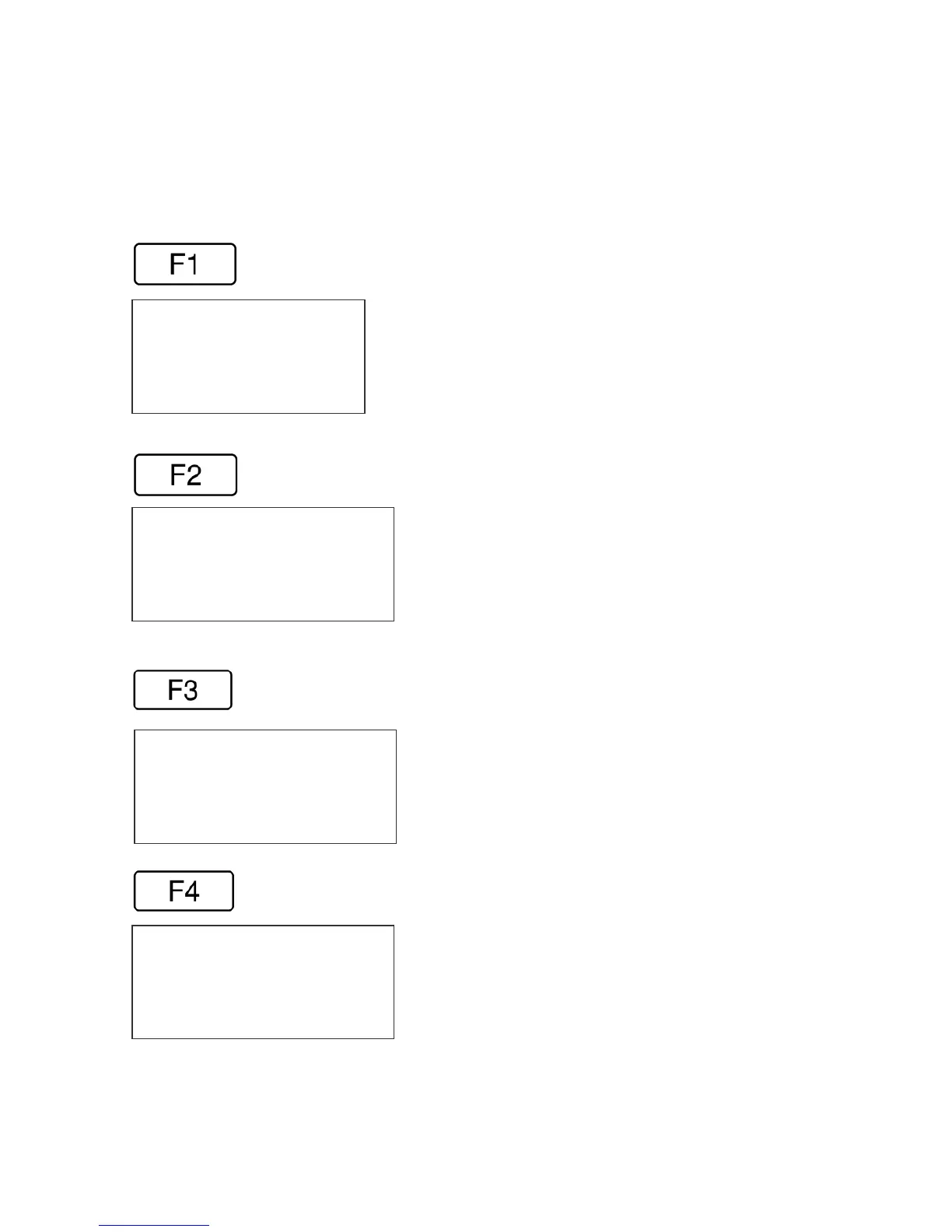
The F1 key, when pressed, brings up the menu as shown below.
The F2 key, when pressed, brings up the menu as shown below.
The F3 key, when pressed, brings up the menu as shown below.
The F4 key, when pressed, brings up the menu as shown below.
1=CHAR. SPACING
2=EXT. ENCODER
3=DATE OFFSET
4=BARCODE TYPE
1=DIRECTION
2=PRINT INVERSE
3=PRODUCT DETECT
4=AUTO REPEAT
1=LANGUAGE
2=INK SUPPLY
3=SET UNIT I.D.
4=LOAD CARD
1= PRODOCT COUNT
2= SHIFT CODE
3=DATE FORMAT
4=TIME FORMAT



 To Next Page