19 EVOLUTION 1 SYSTEM MANUAL Issue 1.1 20 Dec 2006
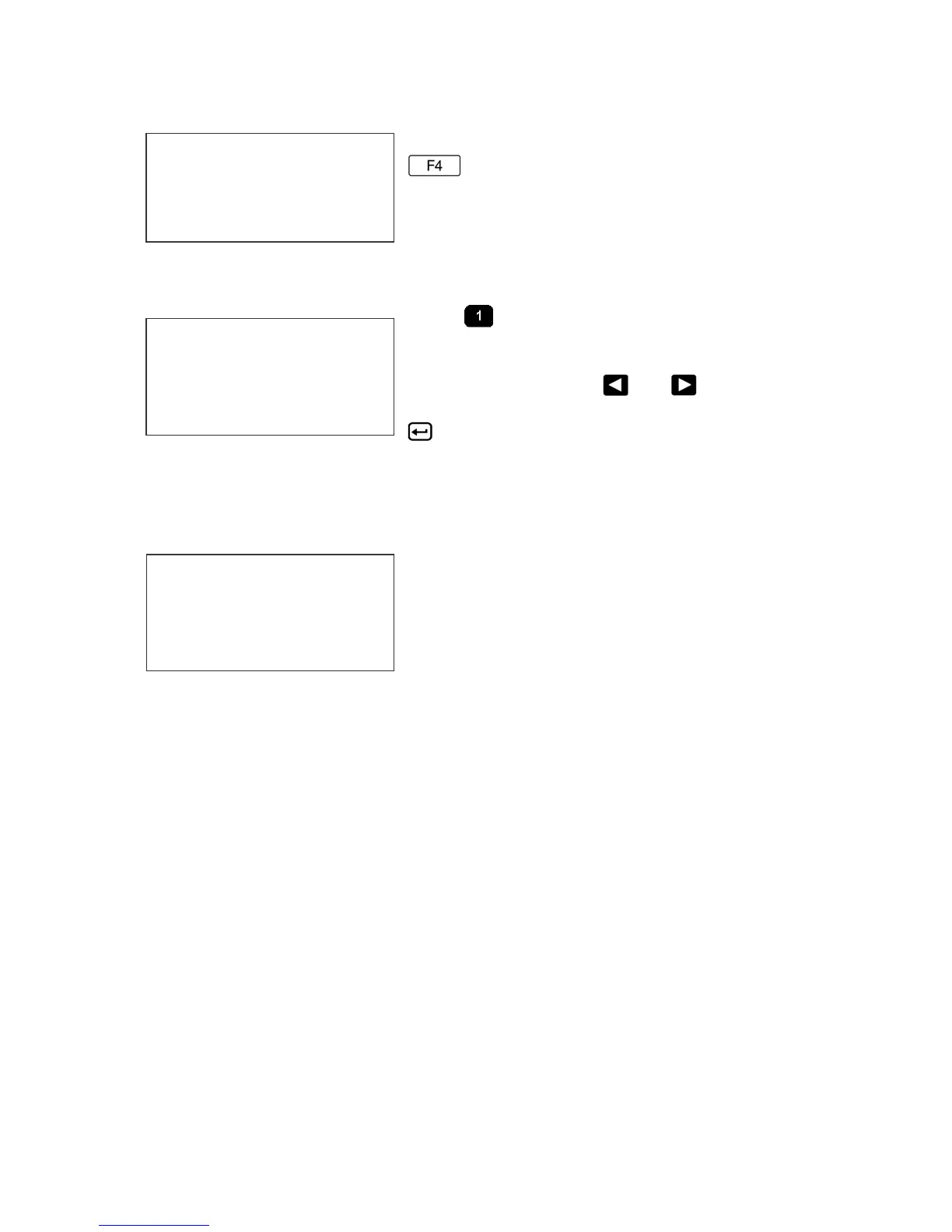
F4 MENU
Place the unit in the Command mode and press
. The screen shown at left is produced.
Press the number that corresponds to the
parameter you wish to change.
1 - LANGUAGE:
Press and the screen will change like the
one on the left. The default language is English;
the other choice is Spanish. Scroll through the
choices using either or . Once the
desired language is shown on the screen, press
. This will return the unit to the Command
mode. Whenever language is chosen, all prompts and commands shown on the
screen will be in that language.
2 - INK SUPPLY:
The second line of the display shows the
percentage of ink remaining in the print
cartridge.
Each time a new cartridge is installed the user
must reset the system ink gauge by pressing the
C key.
When a C is entered the system automatically profiles the operating conditions
for the new cartridge.
Each cartridge is tested and profiled at the factory eliminating the burden of
personalizing each cartridge by the user. There are a number of tasks associated
with print cartridge profiling, as each print cartridge differs from another. The
correct drive voltage, pulse width timing and pre-fire pulse warming must be
calculated for optimum operation.
NOTE: USING NON-AUTHORIZED CARTRIDGES MAY
PRODUCE UNDESIRABLE RESULTS
1 = LANGUAGE
2 = INK SUPPLY
3 = SET UNIT I.D.
4 = LOAD CARD
< - - SELECT - - >
ENGLISH
REMAINING INK
100
C NEW CARTRIDGE
ANY KEY TO EXIT



 To Next Page