36 EVOLUTION 1 SYSTEM MANUAL Issue 1.1 20 Dec 2006
MESSAGE STORAGE
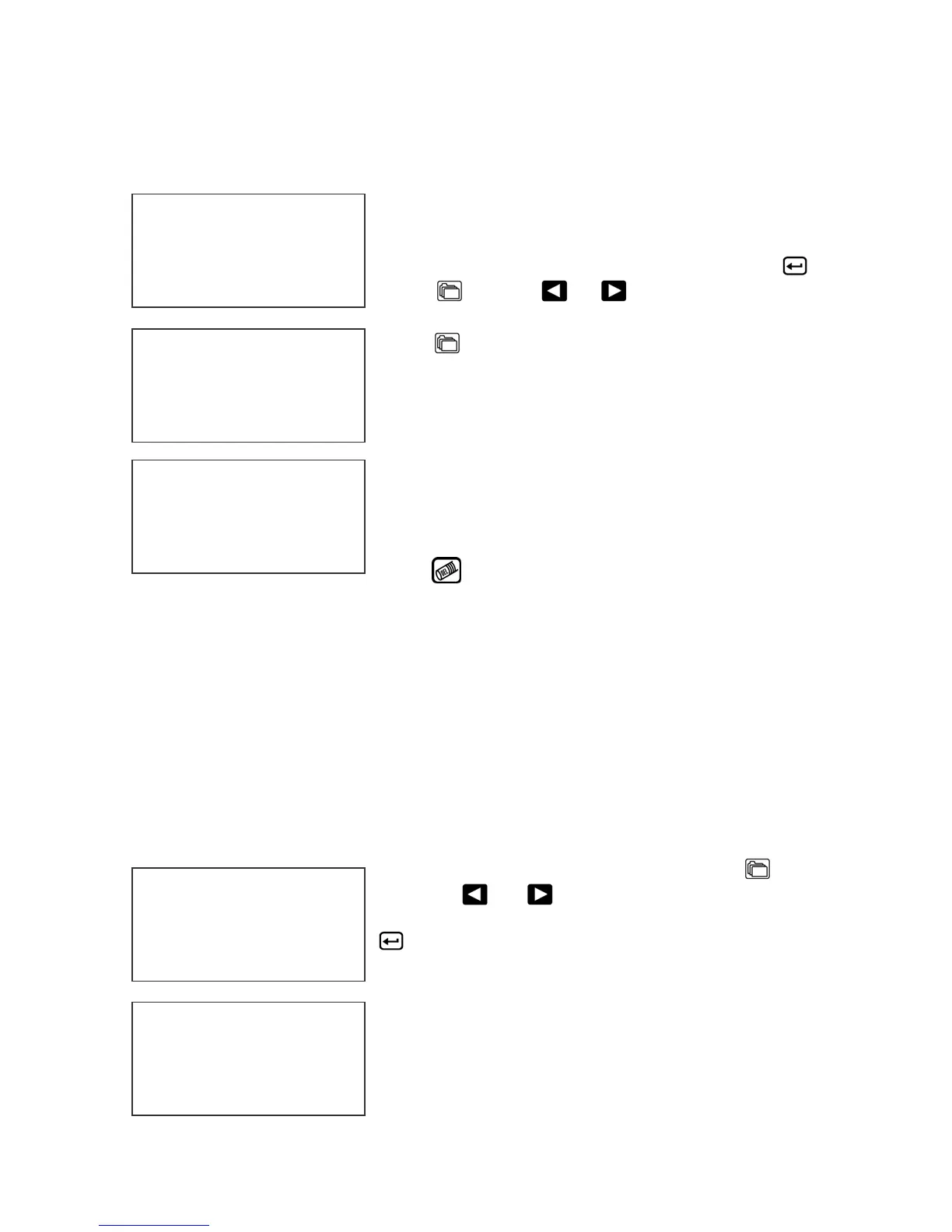
STORING A MESSAGE
The controller is able to store up to 100 system wide
programmed messages and their associated
parameters. Follow these steps to store a
message. Create the message and press .
Press . Using or , scroll to the desired
message location number.
Press a second time. This places the message
into that numeric location for recall at a later time.
Use the same procedure to overwrite an existing
stored message as well.
The LCD display will indicate that the message is
stored. The display also defines what system type
the message has been created for.
Press to exit.
NOTE: Message storage should be used after the product has been coded
satisfactorily. When a message is stored all operating parameters of the
printed code are saved. Once recalled, codes will be printed the same as
they had been before.
The controller is capable of storing up to 99 messages, and it should be
noted that all stored messages are contained in the hand held controller.
RECALLING A STORED MESSAGE
Place the unit in “Stopped” mode and press
.
Use the
or to scroll through the stored
messages. Find the desired message and press
. That message is now displayed on the screen
ready for printing.
MESSAGE # 1 EV2
MESSAGE # 1 EV2
EVOLUTION 1
EV2 STOPPED
HD1- - >SPEED=120
EVOLUTION 1
MESSAGE # 1 EV2
PLEASE WAIT
MESSAGE # 1 EV2
MESSAGE STORED
EVOLUTION 1



 To Next Page