2 EVOLUTION 1 SYSTEM MANUAL Issue 1.1 20 Dec 2006
LONG PERIODS OF SHUT-DOWN
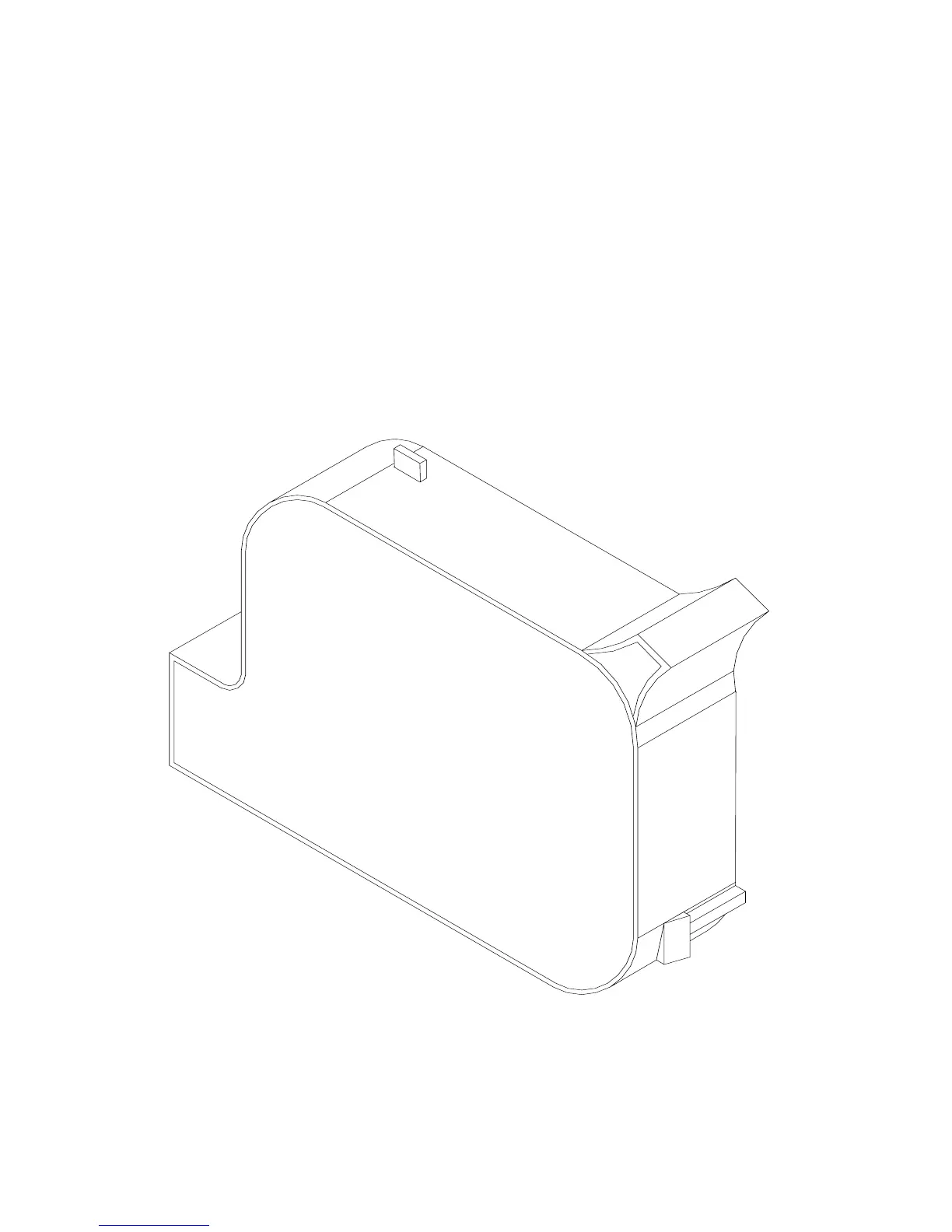
When the printer is to be shut down for extended periods, or the ink cartridge
needs to be changed to insert a different color cartridge, the ink cartridge should
be removed.
Clean the print head nozzle area with a soft, lint free wipes and insure there is no
ink residue remaining on the nozzle area. Re-apply the sealing tape. The print
cartridge may be stored in a sealable plastic bag.
CAUTION: USE THE ORIGINAL SEALING TAPE SUPPLIED WITH
THE EVOLUTION II INK CARTRIDGE. DO NOT USE ANY OTHER
MATERIAL OR ANY ADHESIVE BACKED PRODUCT, AS THIS
WILL DAMAGE THE NOZZLE AREA.



 To Next Page