9 EVOLUTION 1 SYSTEM MANUAL Issue 1.1 20 Dec 2006
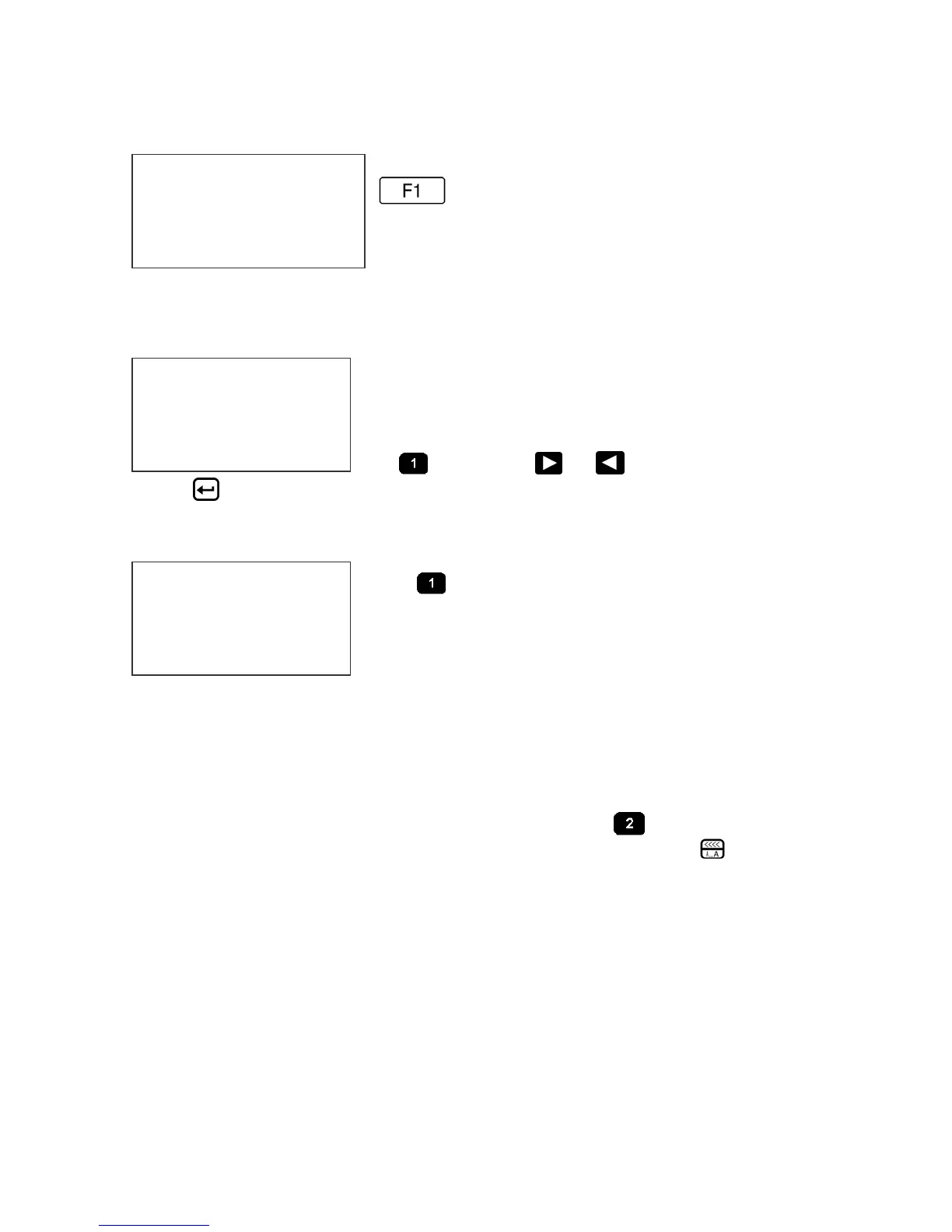
F1 MENU
Place the unit in the Command mode and press
. The screen shown to the left is produced.
Press the correct number to make changes to that
parameter. Those selections designated as NOT
AVAILABLE will not respond to selection. They are
reserved for future system expansion.
1 = CHARACTER SPACING:
This parameter controls the amount of space between
characters in the code. Spacing can be varied from 1
to 25 columns. Use this control to make printed
codes more legible when code is compressed. Press
the
then press or to change the value.
Press once the desired value is displayed.
2 = EXT. ENCODER:
Press to select internal time base. This parameter
controls the source of the time base used for printing.
Each vertical column printed requires a signal
necessary to produce a character representative of
the line speed of the production line. The printer can
be set to produce a perfect aspect ratio character (300 dpi vertical and
horizontal) or compressed by setting the print head line speed faster than the
actual line speed, or expanded by changing the internal speed slower than the
actual line speed.
In the event there is an acceleration or deceleration to the production line, or
there is a requirement to guarantee accurate aspect ratio, such in the case of
barcodes, an external encoder is necessary. Press
to select external
encoder. While external encoder is selected the LINE SPEED key
will adjust
the expansion and compression of the printed message. NOTE: WHEN
PRODUCING BARCODES IT IS NECESSARY TO PRODUCE A PERFECT
ASPECT RATIO CHARACTER.
Swath height is 0.500 (1/2”) / 150 vertical dots = 0.0033” between vertical dots
Therefore to print a perfect aspect ratio character requires an encoder pulse
every 0.0033”. The encoder range adjustment is from 0 to 7 and assuming the
mean is a count of 4 then by connecting an encoder that produces a pulse for
each 0.000825” the correct character aspect ratio can be achieved. This allows
either compression or expansion of the printed text.
1=CHAR. SPACING
2=EXT. ENCODER
3=DATE OFFSET
4=BARCODE TYPE
< - - SELECT - - >
# OF SPACES- 1
ENCODER
1=INTERNAL
2=EXTERNAL



 To Next Page