33 EVOLUTION 1 SYSTEM MANUAL Issue 1.1 20 Dec 2006
VARIABLE FIELD FORMAT PRINTING
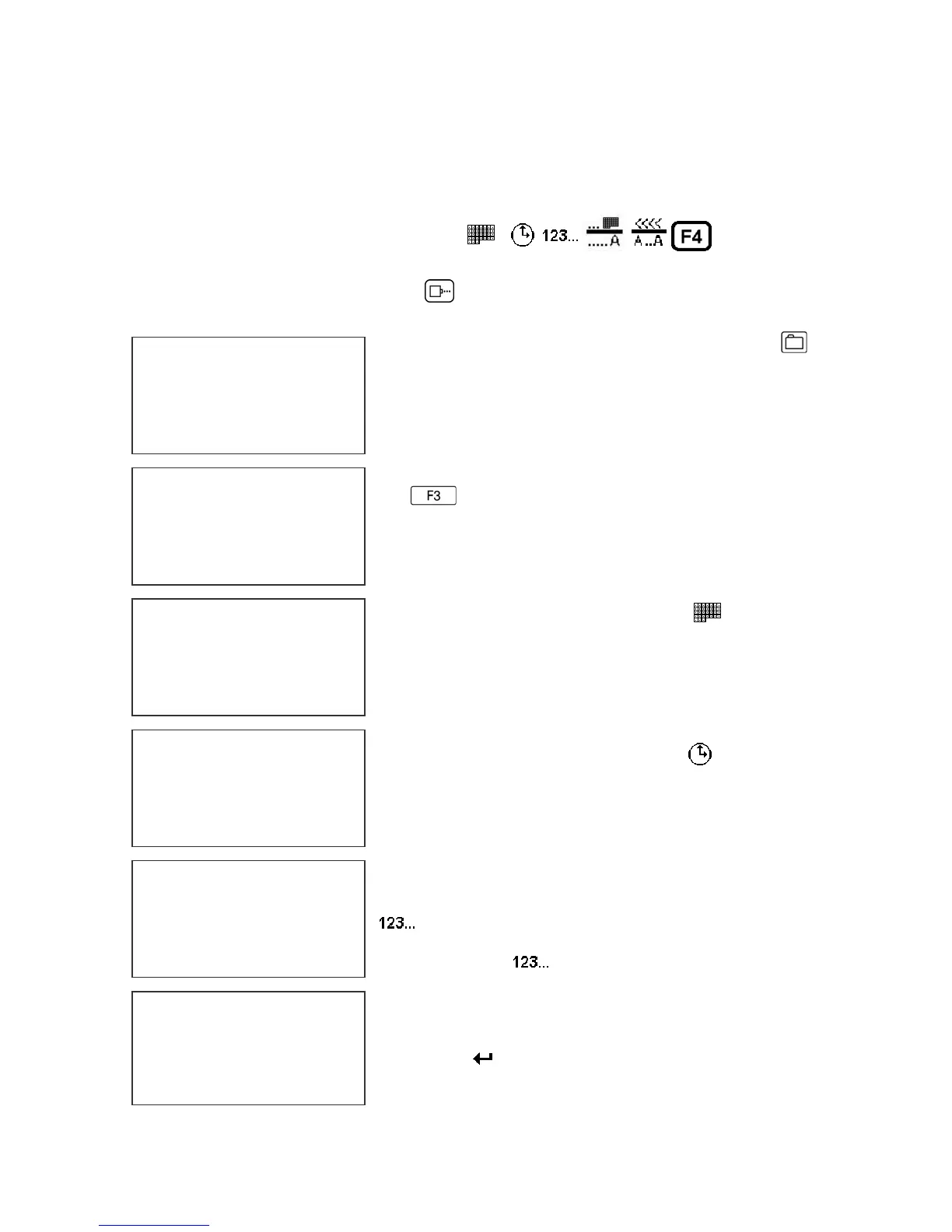
The EVOLUTION II printer provides the operator the capability of adding variable
fields to a message. This includes TIME, DATE, SEQUENCE, DATE OFFSET
and SHIFT CODE PRODUCT COUNT and BARCODES. Entering any of these
special fields is accomplished with the
keys.
To input, delete or edit a message, the unit must be in the STOPPED Mode. If
the LCD reads PRINTING, press . The screen should be similar to the one
shown at the left.
Enter the Message Entry mode by pressing .
The top portion of the screen will change as shown
on the left.
The user has two options to edit or change a
message. If a new message is to be entered press
the key to delete the entire existing message.
The following applies to either a 1, 2, 3 OR 4 line
message.
To enter a DATE CODE depress the key. The
currently formatted date code as preset under the
F3 menu, is inserted into the message.
Note: the current format is displayed as mm for
month, dd for day and yy for year
To enter a TIME CODE depress the
key. The
currently formatted time as preset under the F3
menu, is inserted into the message.
Note: the current format is displayed as hh for
hours, and mm for minutes
To enter a SEQUENCE NUMBER depress the
key. Enter the correct number of digits required
the depress the
again to end the sequence
number field . Note during this operation the ####
displayed next to the FONT 1 LINE indicating a
sequence number field.
Press the
key to end MESSAGE EDIT and
return to the STOPPED MODE.
MESSAGE ENTRY
FONT 1 LINE
HH:MM
EV2 STOPPED
HD1- - >SPEED=120
DD/DM/
MESSAGE ENTRY
FONT 1 LINE
EVOLU
MESSAGE ENTRY
FONT 1 LINE
MESSAGE ENTRY
FONT 1 LINE
DD/DY
MESSAGE ENTRY
####FONT 1 LINE
0000



 To Next Page