34 EVOLUTION 1 SYSTEM MANUAL Issue 1.1 20 Dec 2006
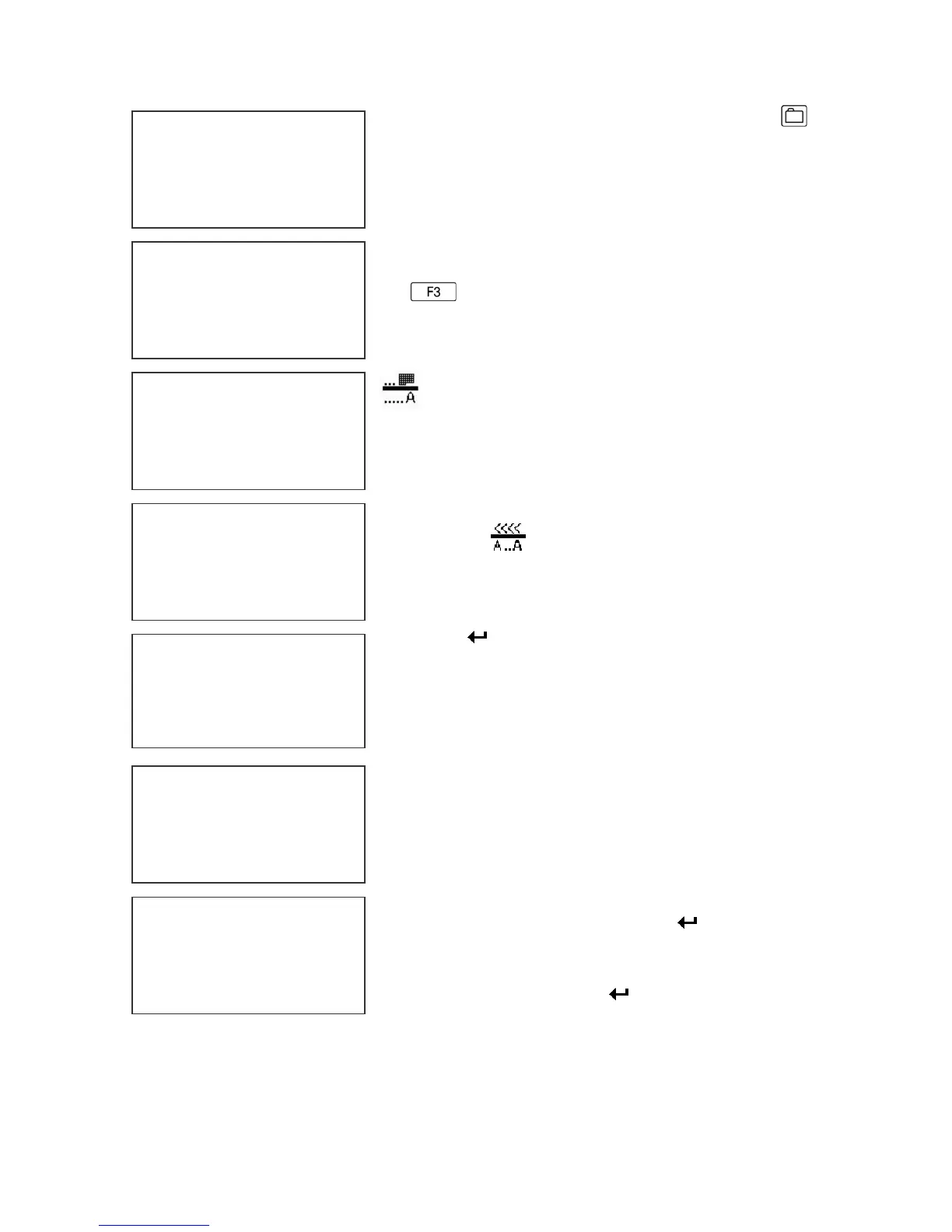
Enter the Message Entry mode by pressing .
The top portion of the screen will change as shown
on the left.
The user has two options to edit or change a
message. If a new message is to be entered press
the key to delete the entire existing message.
To enter a DATE OFFSET CODE depress the
key. The currently formatted date offset code
as preset under the F3 menu, is inserted into the
message. The correct number of days to offset are
set under the F1 menu.
Endering a SHIFT CODE is accomplished by
pressing the key. Shift codes are set under
the F3 key. The correct alpha/numeric character
preset is added to the message
Press the key to end MESSAGE EDIT and
return to the STOPPED MODE.
NOTE: Variable field data can be entered
anywhere within the message and will be
automatically updated at the beginning of each
new print cycle
Adding a special character or LOGO is
accomplished by pressing the S! or S2 keys and
selecting the appropriate special symbol or stored
logo.
Press the S1 key and position the cursor just prior to
the desired character and press the key. In this
case the # character was selected. To add a stored
LOGO press the S2 key and scroll through the list of
stored logos and press the key. The logos are
displayed by the L character. Each logo will have an
L and 1,2 or 3 imbedded ‘ to indicate the logo selected.
MESSAGE ENTRY
FONT 1 LINE
DD.DY
MESSAGE ENTRY
FONT 1 LINE
EVOLU
MESSAGE ENTRY
FONT 1 LINE
MESSAGE ENTRY
FONT 1 LINE
mm.dd.yys
STOPPED
HD1- - >SPEED=120
mm.dd.yys
MESSAGE ENTRY
FONT 1 LINE
mm.mm.yys
MESSAGE ENTRY
FONT 1 LINE
mm.mm.yys#L’



 To Next Page