32 EVOLUTION 1 SYSTEM MANUAL Issue 1.1 20 Dec 2006
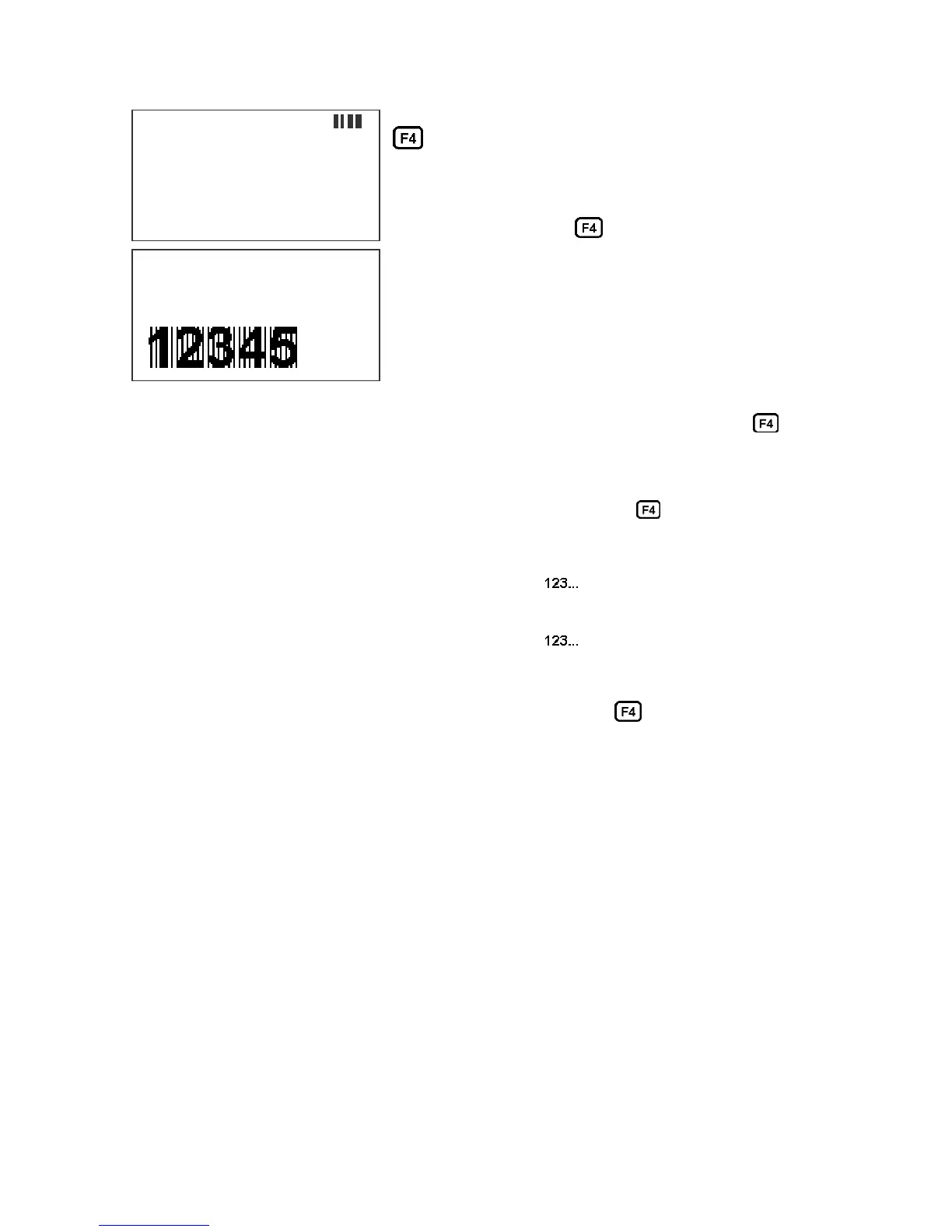
Barcode fields may be entered by pressing the
key while in the MESSAGE ENTRY mode.
The barcode insignia is indicated following the font
style and the code type is displayed on the third
line of the display. When the barcode entry is
completed press the key to end the barcode
field entry. The software checks that the data
entered is valid according to the barcode type
selected. If the barcode entered is valid the
system re-displays the barcode with a series of
lined overlaying the barcode field. Barcode fields
may contain a sequence number if the specified
code permits such a function. Codes therefore
may contain Alpha and Numeric characters, code dependent.
The barcode types are selected from the STOPPED screen and press the key,
and select menu option 4.
Entering a sequence number within a barcode requires a specific sequence of
operations that must be adhered to:
1. ENTER THE BARCODE FIELD BY PRESSING THE key.
2. ENTER ANY CHARACTERS REQUIRED PRIOR TO SEQUENCE
NUMBER
3. PRESS THE SEQUENCE NUMBER KEY TO BEGIN THE FIELD
4. ENTER THE APPROPRIATE SEQUENCE NUMBER
5. PRESS THE SEQUENCE NUMBER KEY TO END THE FIELD
6. ENTER ANY CHARACTERS REQUIRED FOLLOWING THE SEQUENCE
NUMBER
7. EXIT THE BARCODE FIELD BY PRESSING THE key.
The above sequence will allow the user to imbed a sequence number into the
barcode type selected.
The system contains 8 barcode types:
CODE 39
INTERLEAVED 2of5
CODE 128B and CODE 128C
UPC A and UPC E
EAN 8 and EAN 13
Each barcode type may contain man readable characters, guard bars, and check
characters. All barcode characteristics are programmable and are controlled in
the F1 menu option select #4.
NOTE: REFER TO APPENDIX A – PRODUCING RELIABLE
BARCODES
MESSAGE ENTRY
- - - - FONT- 1 LINE
CODE 128C
12345
MESSAGE ENTRY
- - - - FONT- 1 LINE
CODE 128C



 To Next Page