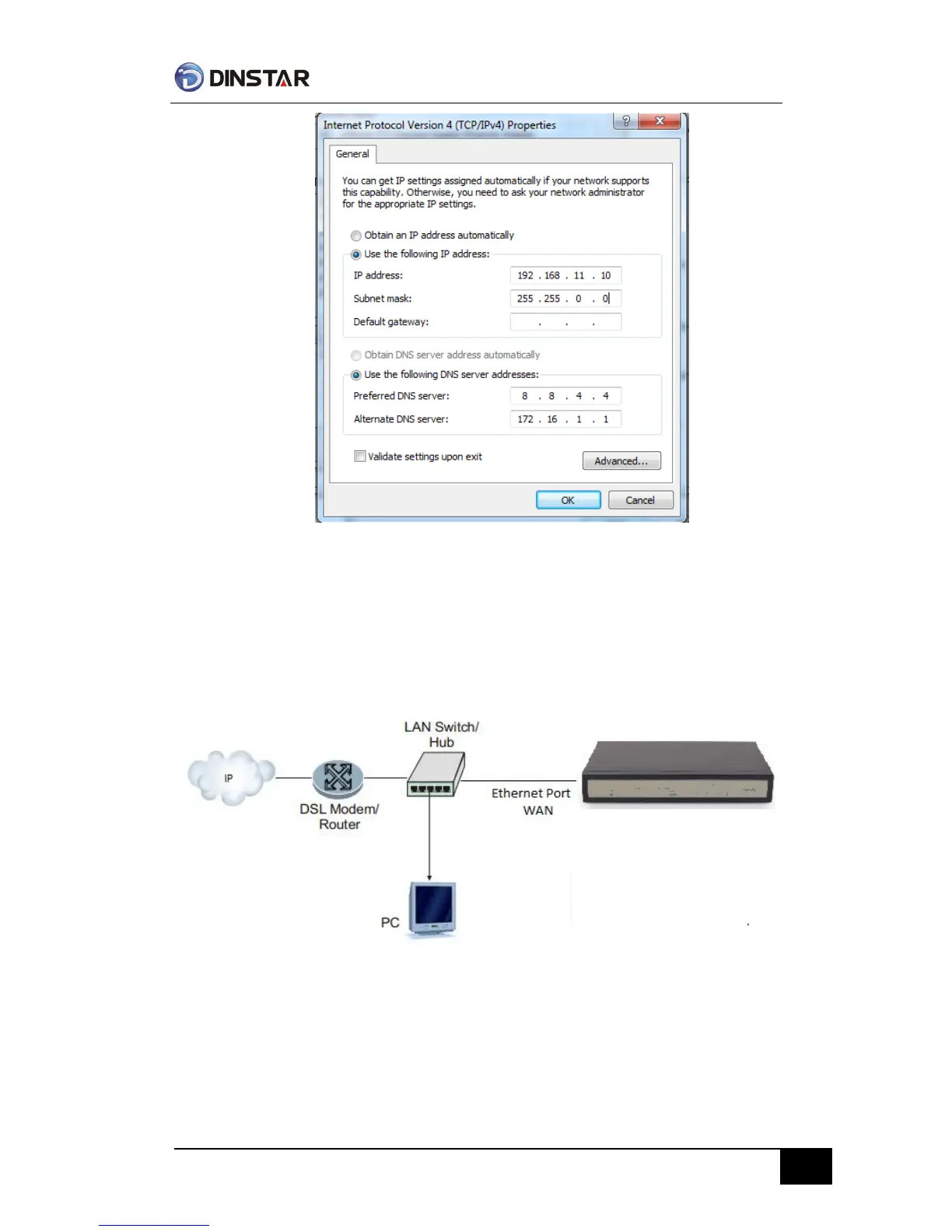
Modify IP address
Check connection between computer and device, click “Start”-> “run”-> input “cmd”, run
ping 192.168.11.10 –t order to check the connectivity between them.
Connect to private network (behind NAT)
Get Web access
Open web browser, then input IP address of device, Press“Enter”, it pop up logging on
identity authentication interface.



 To Next Page