Configuration Interface
【Note】: When configure start and end IP address, subnet mask and gateway, please set
the same segment with LAN port. Otherwise, device will not work normally. After
configuration, restart device configuration validation.
DMZ Host (Routing mode)
DMZ (Demilitarized Zone) connect web, e-mail etc. server allowed external to access to this area.
Make the internal network located the back of the zone of confidence and not allow any access,
separation of inside and outside the network, protect user information. DMZ can be understood
that a special areas of the network and different from the external network or intranet. Public
server that does not contain confidential information usually placed in DMZ, such as web, Mail,
FTP etc. Accuser from intranet can visit the service of DMZ, but can’t come into contact with
confidential or private information stored in the network. Even if DMZ server is damaged, it will
not be confidential information in the internal network.
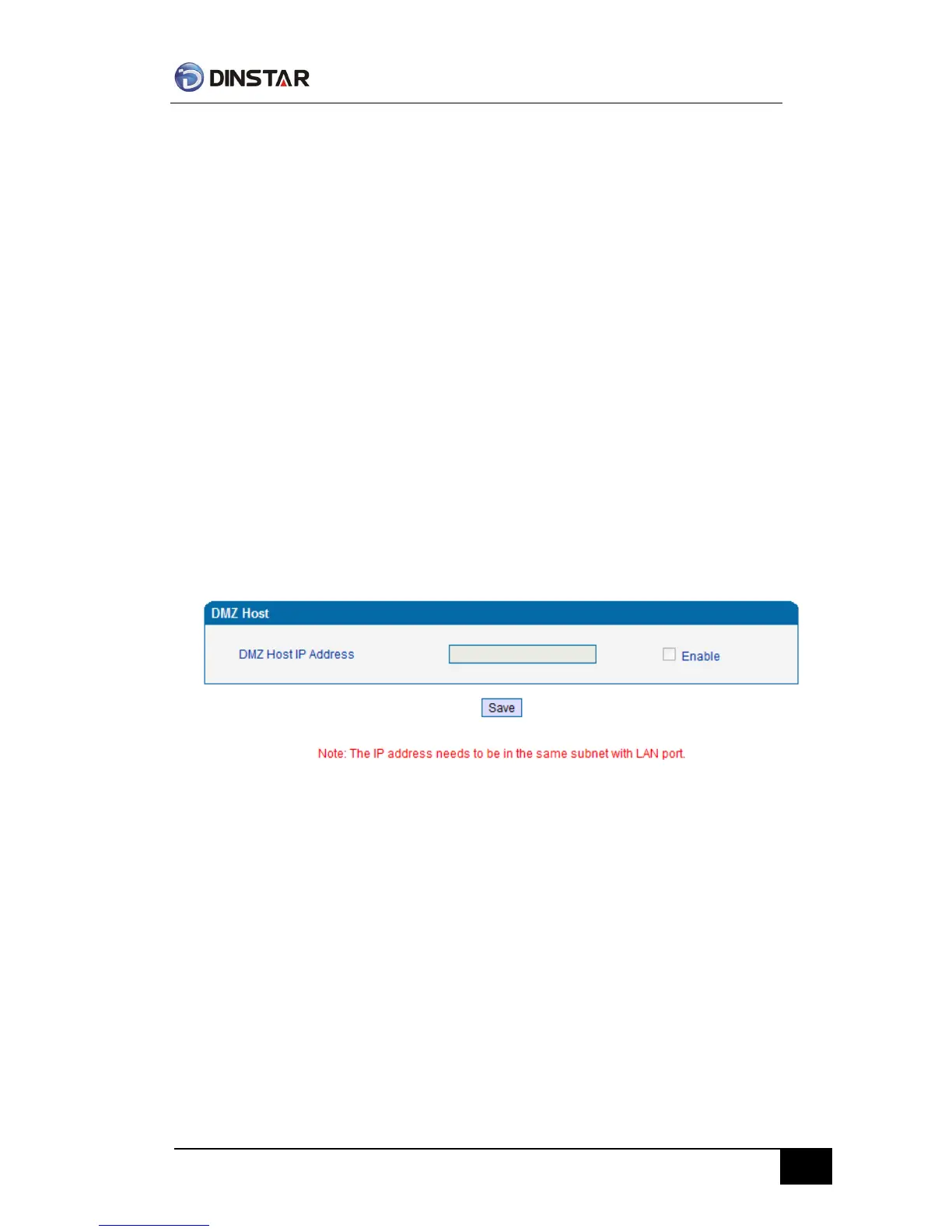
DMZ Configuration Interface
【Note】: After configuration, restart device configuration validation.
Forward Rule (Routing mode)
In some cases, LAN network equipment need to provide some communication in WAN network
(such as port for 21 FTP service), this time can be configured forwarding rules for the network
equipment.
Service ports namely the need to provide service network mouth WAN ports, IP address that LAN
network provide services to the mouth of the network equipment IP address, the protocol is TCP
or UDP.



 To Next Page