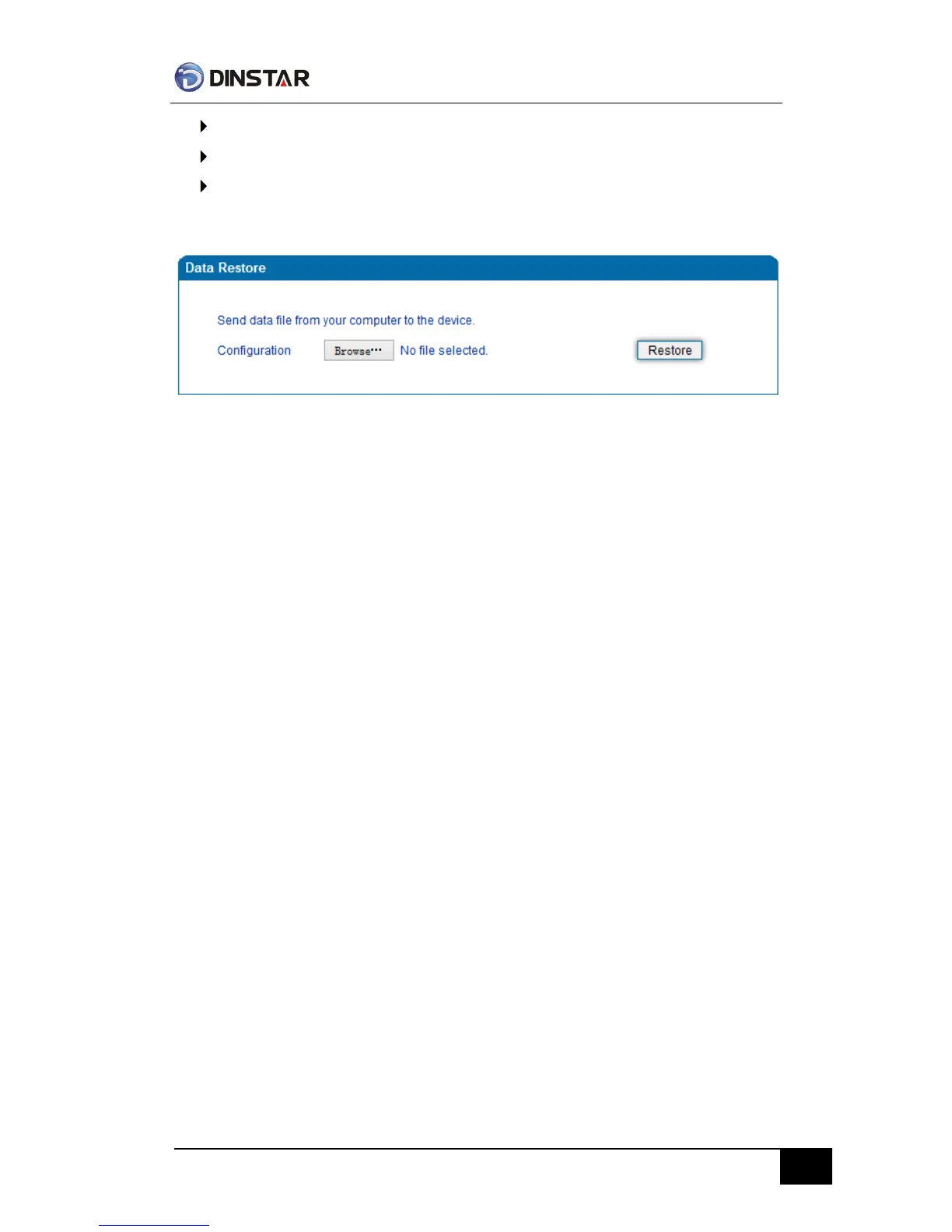
Click “Data Restore”
Browse file, select data file.
Click “Restore” and then import successfully, the device will restart automatically.
Data restore
Ping Test
Send test data packets to IP, check each other whether have response and statistical
response time. It is ping. Used to test internet and analyzed network fault.
Application format:Ping IP address. It is used to check the network connectivity or network
connection speed command.
Ping instructions:
1) Click “ping test”
2) Fill IP address or domain connected, click start.
Received a message indicates that network connection normal, or network connected to a
fault.



 To Next Page