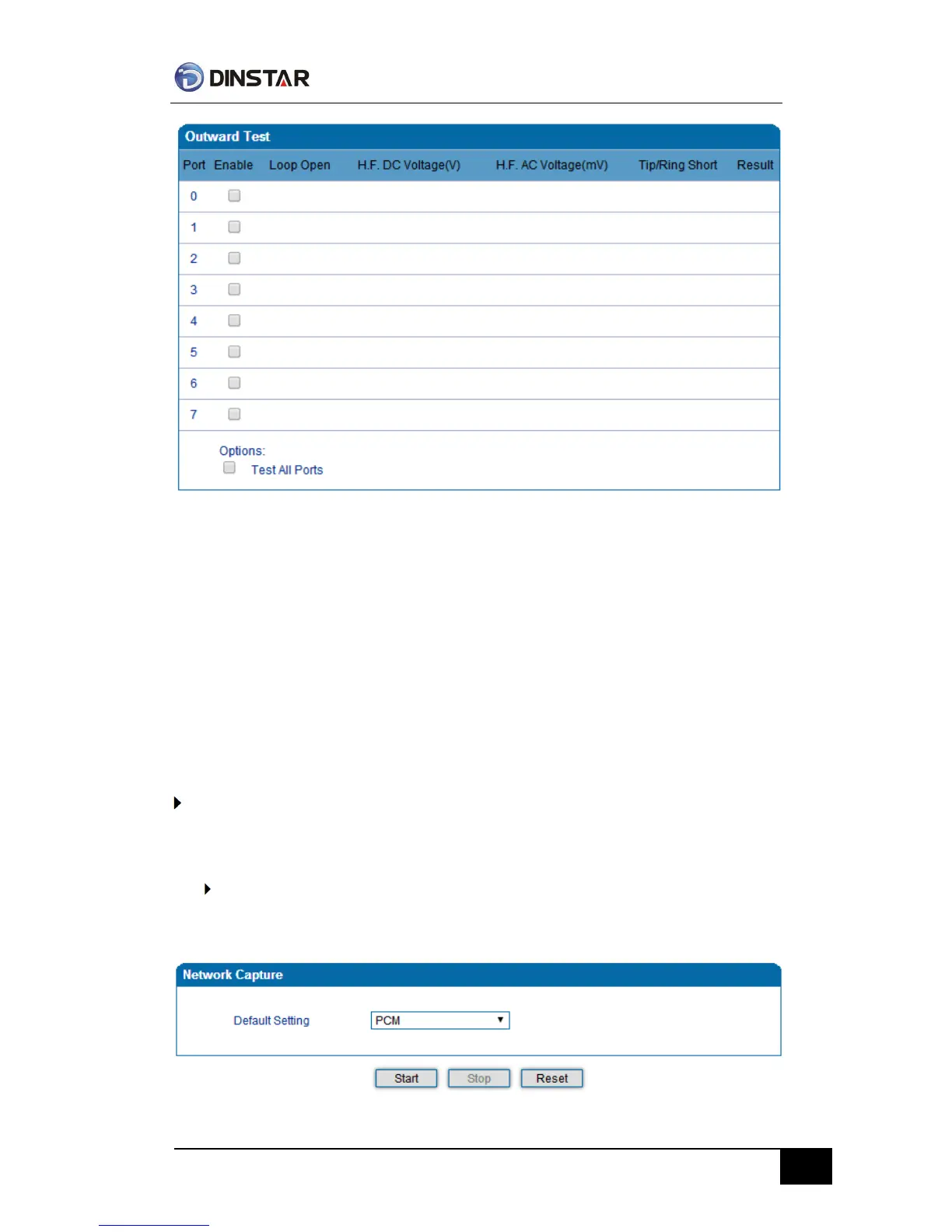
Figure 4.14.6 Outward Test
Test results
OK: the analog phone set and phone line are working well
FAIL: analog phone doesn't connect to FXS port or something wrong phone set
Network Capture
Network capture is a very important diagnostic tool for maintenance. This section is
describes how to enable network capture.
Getting start to PCM capture
PCM capture is help to analysis voice stream between analog phone and DSP chipset.
To enable PCM capture
Select ‘PCM’ on Network Capture page



 To Next Page