B • Installation
Doc. 031851-05 12/04 B-19
B.9 Connecting the Gas Source
1. Locate the barbed fitting (P/N 030071), pipe thread reducer (P/N 030087),
1/8-in ID tubing (P/N 040793), and ICS-90 air regulator accessory
(P/N 060054) in the ICS-90 Ship Kit.
2. Use the barbed fitting and pipe thread reducer to connect the 1/8-in ID tubing
to a clean gas source, regulated to between 0.55 and 0.83 MPa (80 and
120 psi).
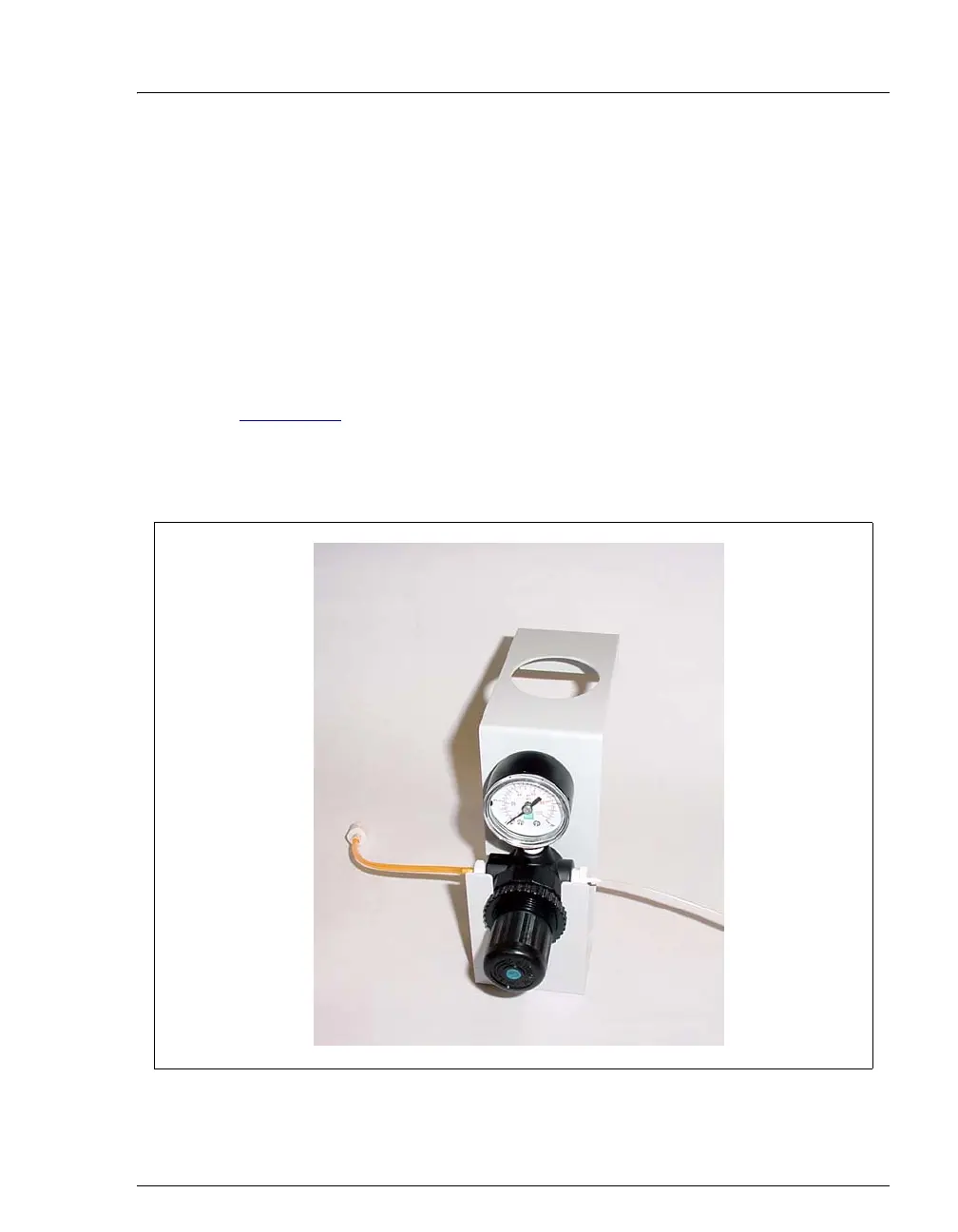
3. Push the other end of the tubing onto the inlet of the air regulator (see
Figure B-17
).
NOTE Do not turn on the gas source. Do not pressurize until
the eluent is prepared and the ICS-90 is plumbed.
Figure B-17. ICS-90 Air Regulator Accessory
Gas Inlet Line
3-mm (1/8-in) ID
Connect to gas
source
Eluent Gas Line



 To Next Page