B • Installation
Doc. 031851-05 12/04 B-31
B.14.1 Record the Measured Flow Rate in Chromeleon.
1. From the Control panel, press the F8 button or select
Control>Command.
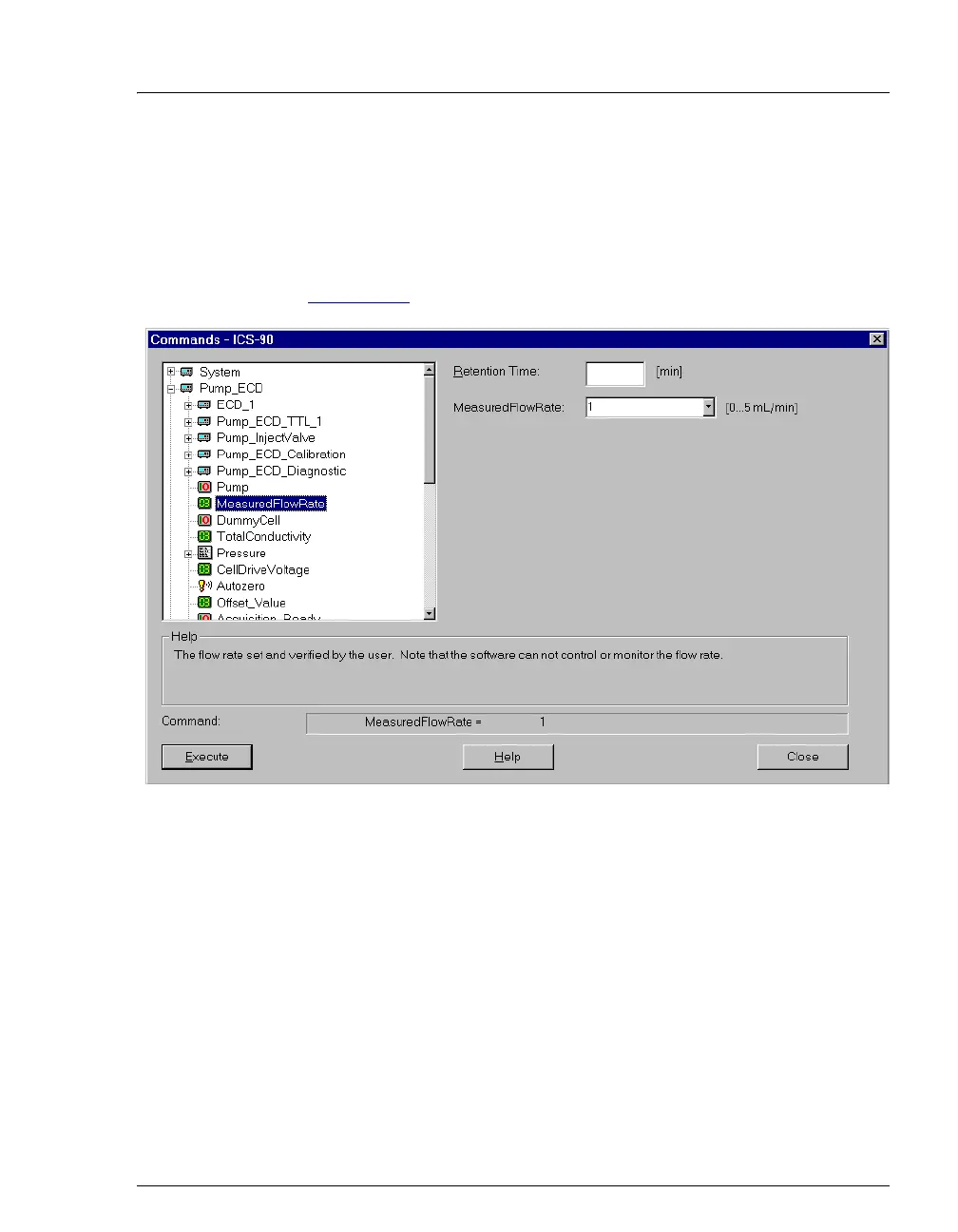
2. Expand the Pump_ECD group and select MeasuredFlowRate (see
Figure B-23
).
Figure B-23. ICS-90 Chromeleon Commands: MeasuredFlowRate
3. Enter the flow rate and click Execute. Click Close. The measured
flow rate is now shown on the Control panel.



 To Next Page