B • Installation
Doc. 031851-05 12/04 B-15
2. In the Browser, open the Dionex Templates\Panels\Dionex_IC\ICS-
90 System Panels folder and double-click one of the following ICS-
90 Control panels (depending on whether an AS40 autosampler will
be used):
• Dionex_ICS-90_System
• Dionex_ICS-90_System_AS40
3. If a “Cannot connect to timebase…” message appears, click OK to
close it.
NOTE If the timebase was named “ICS-90” when it was
created, the Control panel opens and connects
automatically to the ICS-90 timebase.
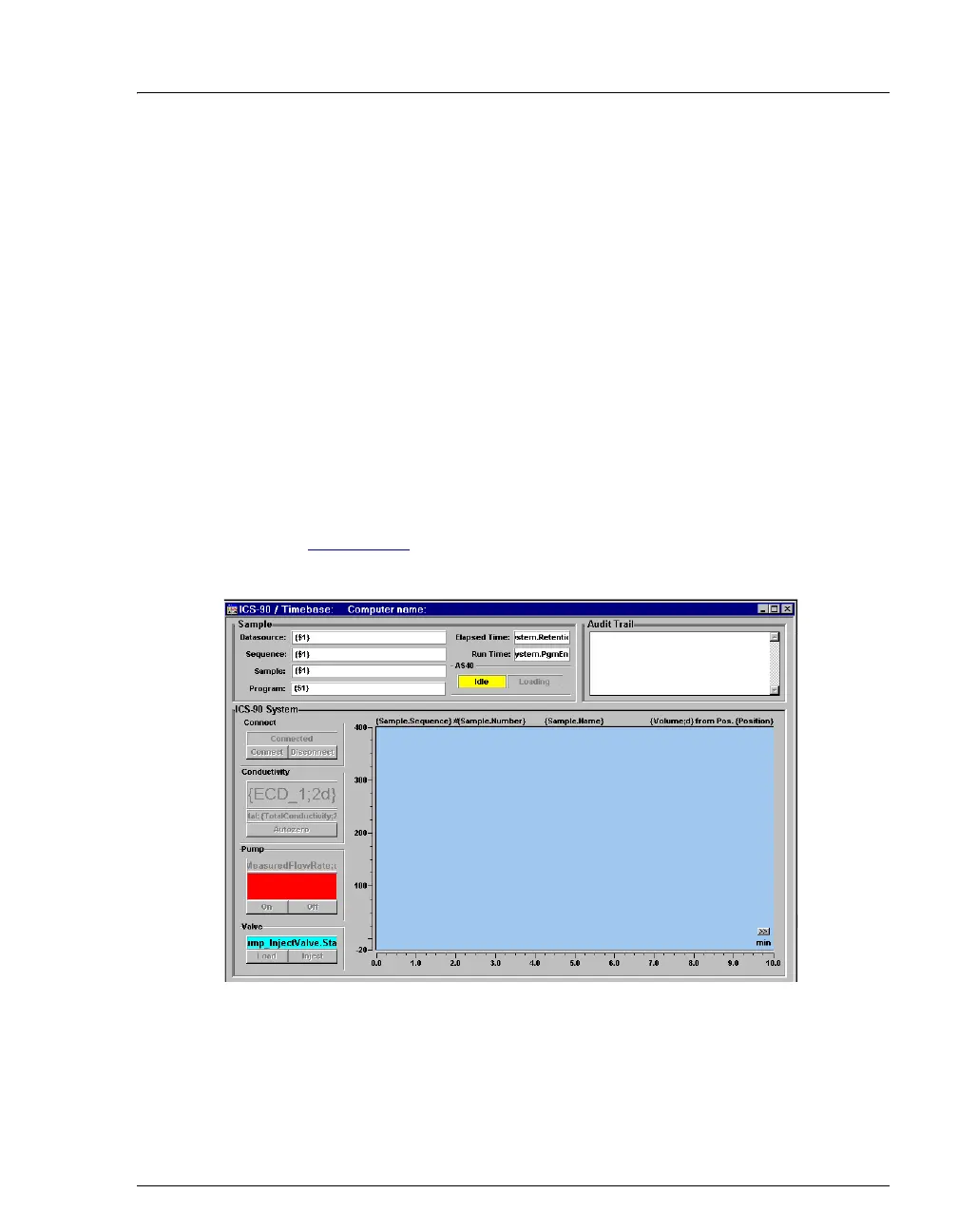
4. If the Control panel opens with the controls not yet active (see
Figure B-12
), connect the ICS-90 to the Control panel by selecting
Control>Connect to Timebase.
Figure B-12. Dionex_ICS-90_AS40_System Control Panel (Unconnected)



 To Next Page