ICS-90 Ion Chromatography System
B-16 Doc. 031851-05 12/04
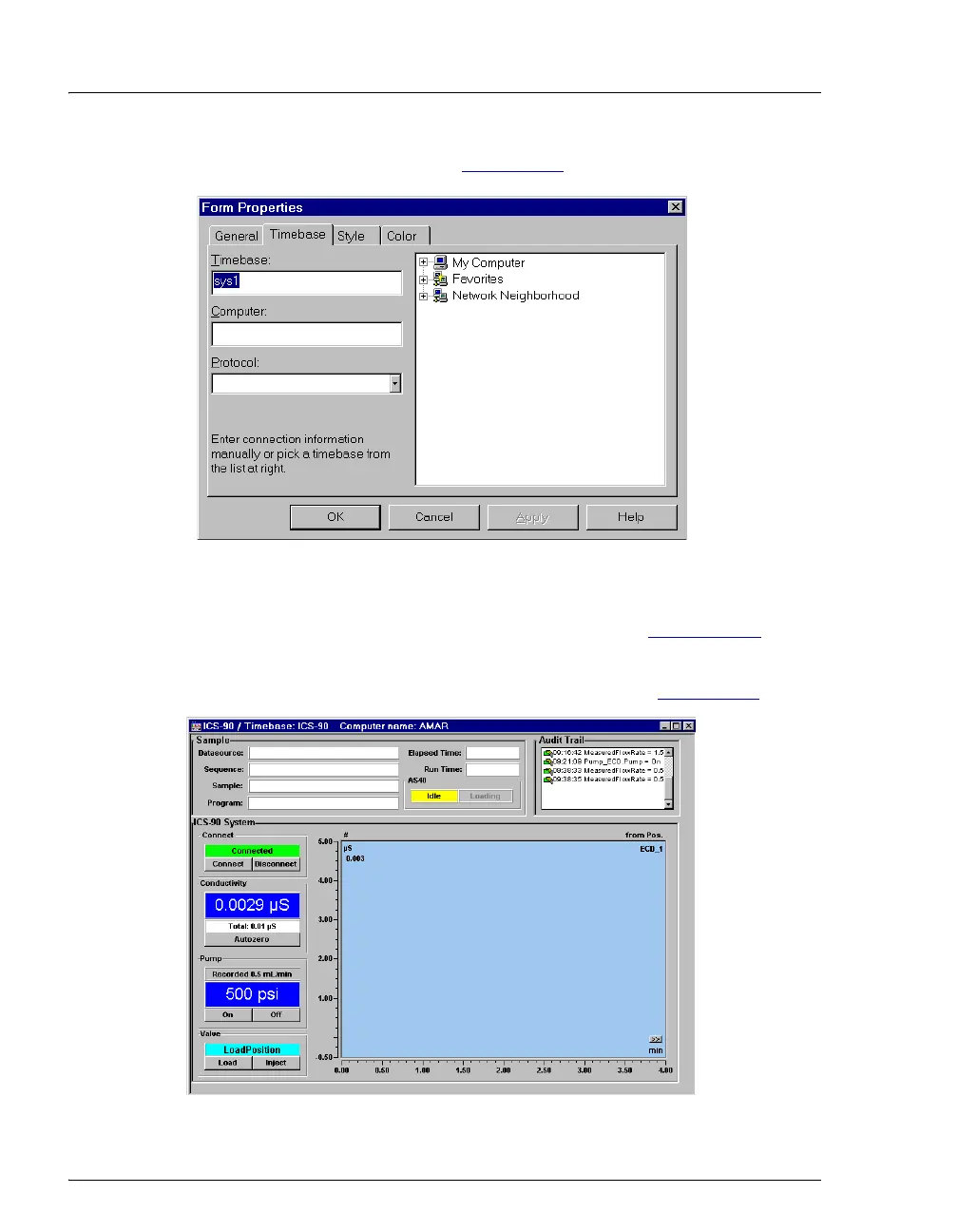
5. A dialog box appears (see Figure B-13).
Figure B-13. Connect to Timebase
6. Click the ‘+’ sign beside My Computer on the right side of the
dialog box and select the timebase you created in Section B.7.2
. Click
OK to close the dialog box.
The controls on the panel are now connected (see Figure B-14
).
Figure B-14. Dionex_ICS-90_AS40_System Control Panel (Connected)



 To Next Page